No company paid to be on this list. Prices were checked on November 17, 2026 and can change. How we make money.
At a glance
| # | Product | Best for | Starting price | Free option |
|---|---|---|---|---|
| 1 | Simple meeting links for professionals | $10/mo | Free plan (1 event type) | |
| 2 | A generous free plan for individuals | $12/mo | Free plan | |
| 3 | Small service businesses on a budget | $5/mo | Free plan (up to 4 users) | |
| 4 | Solo users and Zoho customers | $6/mo | Free plan (1 user) | |
| 5 | A booking website with add-on features | $11.90/mo | Free plan (50 bookings) | |
| 6 | Client intake forms and payments | $16/mo | 7-day trial | |
| 7 | Businesses that take in-person payments | See site | Free plan |
The list
 Calendly
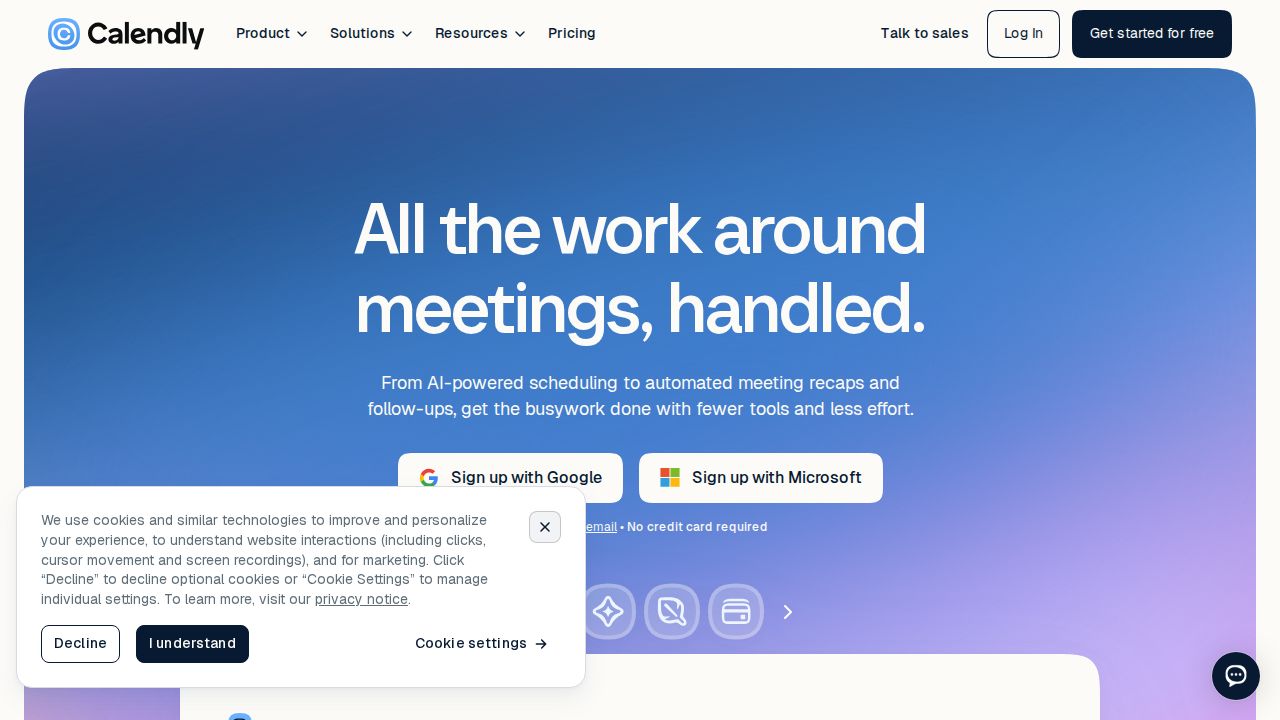
Best for simple meeting links for professionals Calendly is the familiar choice for letting people pick a meeting time. The free plan includes one event type, one calendar connection and a customizable booking page. Standard is listed at $10 per seat a month and adds unlimited event types, reminders and payments through Stripe and PayPal.
What stands out
- Free plan with a customizable booking page
- Standard has unlimited event types and up to 6 calendar connections
- Standard adds automations, reminders, and Stripe and PayPal payments
- Teams ($16 per seat a month) adds round-robin scheduling
Keep in mind
- Free plan is limited to one event type and one calendar connection
- Listed prices are shown with an annual-billing saving, so expect to pay more on monthly billing
- Notetaker and AI scheduling are add-ons
 Cal.com
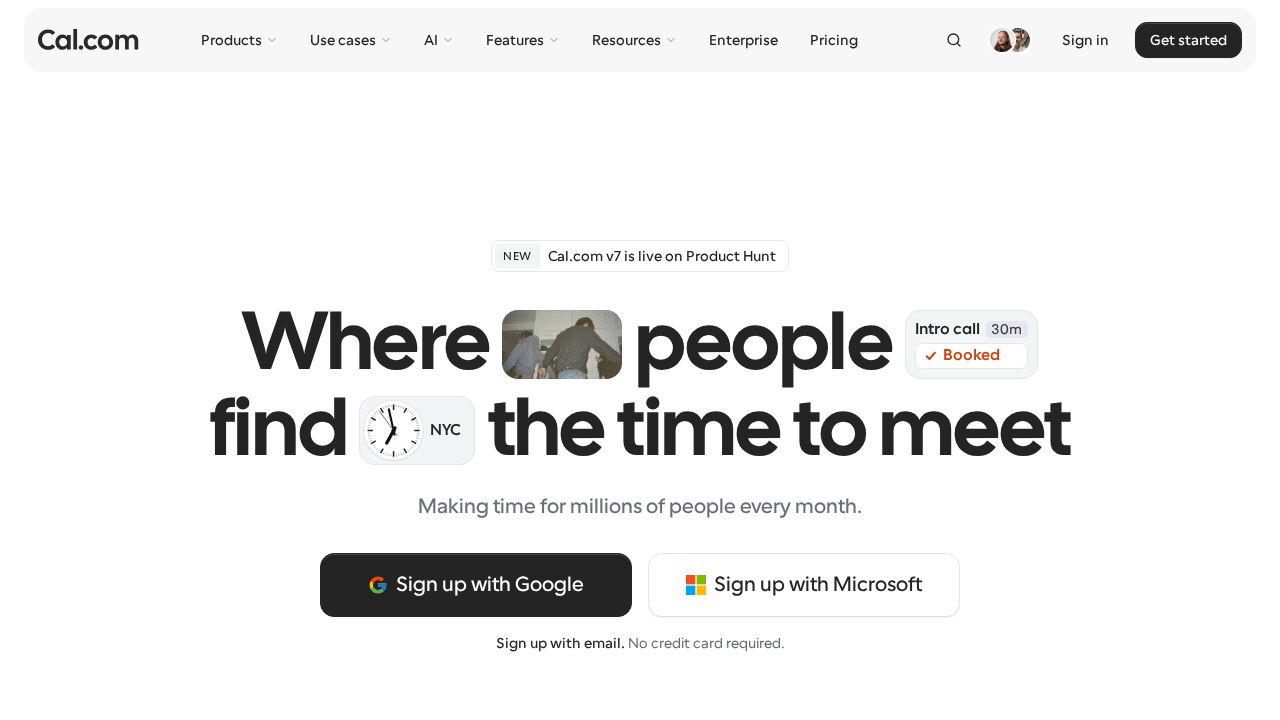
Best for a generous free plan for individuals Cal.com gives one person a lot at no cost. The Individuals plan is free with unlimited links and calendars, email and SMS notifications and payments through Stripe and PayPal. Teams costs $12 per user a month on yearly billing and adds round-robin scheduling and removal of Cal.com branding.
What stands out
- Free for individuals with unlimited links and calendars
- Free plan includes Stripe and PayPal payments and 100+ app integrations
- 1-click import of Calendly events
- 14-day free trial of Teams
Keep in mind
- Free plan covers one user
- Removing Cal.com branding needs the Teams plan
- Teams is $12 per user a month on yearly billing
 Setmore
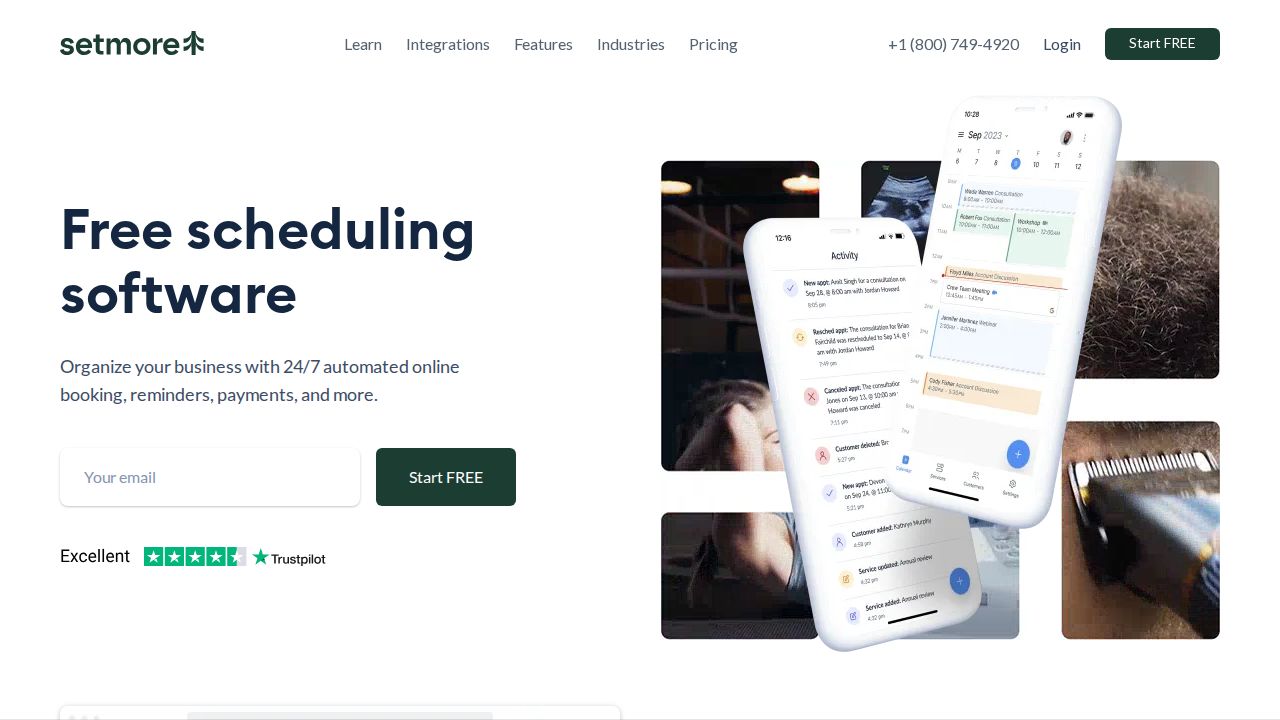
Best for small service businesses on a budget Setmore suits salons, studios and other service businesses that need staff calendars. The free plan covers up to 4 users with unlimited appointments, a custom booking page, group classes and email confirmations. Pro is $5 per user a month on annual billing and adds SMS reminders, deposits and two-way calendar sync.
What stands out
- Free plan for up to 4 users with unlimited appointments
- Free plan includes a custom booking page and group classes
- Pro has unlimited users and adds recurring and video appointments
- Pro includes 500 SMS credits a month
Keep in mind
- SMS reminders, deposits and 2-way calendar sync need Pro
- The $5 Pro price applies to annual billing; the pricing page was unclear on the monthly rate
 Zoho Bookings
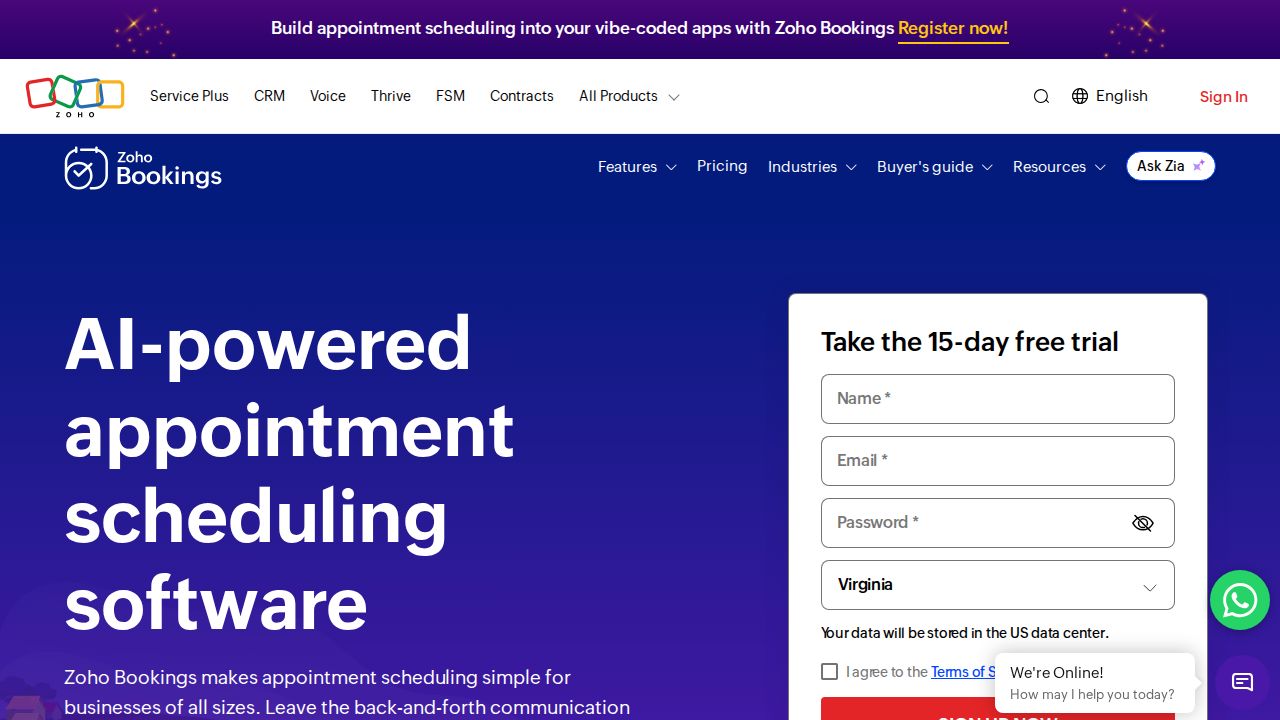
Best for solo users and Zoho customers Zoho Bookings has a Forever Free plan for one user with online meetings, email reminders and two-way sync with Zoho, Google and Microsoft calendars. Basic costs $6 per user a month on yearly billing. It fits best if you already use Zoho CRM or other Zoho apps.
What stands out
- Forever Free plan for one user
- Two-way calendar sync with Zoho, Google and Microsoft 365
- 15-day free trial of Basic and Premium with no credit card
- Premium is included with Zoho One
Keep in mind
- Free plan is for a single user
- Basic is $6 per user a month on yearly billing and $8 on monthly billing
- Basic is limited to 1 workspace
 SimplyBook.me
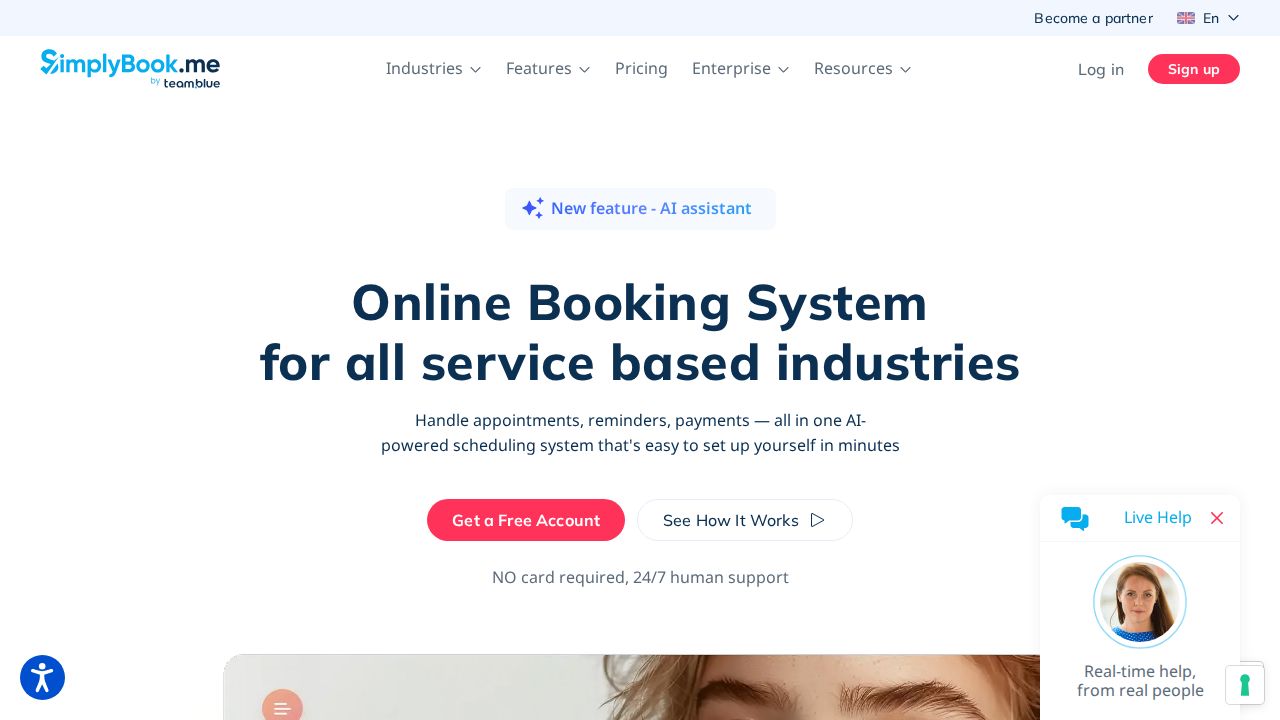
Best for a booking website with add-on features SimplyBook.me gives you a booking website and widget, then lets you switch on custom features as you need them. The free plan allows 50 bookings a month, 1 provider and 1 custom feature. Basic is $11.90 a month on annual billing with 100 bookings, 5 providers and payments.
What stands out
- Free plan with a booking website, widget and admin app
- Basic adds a client app, payments, deposits and point of sale
- Standard includes 500 bookings and 15 providers
- 7-day trial with no credit card
Keep in mind
- Plans cap bookings per month (50 on Free, 100 on Basic)
- Basic is $13.90 on monthly billing
- Custom domain and SMS credits are sold separately
 Acuity Scheduling
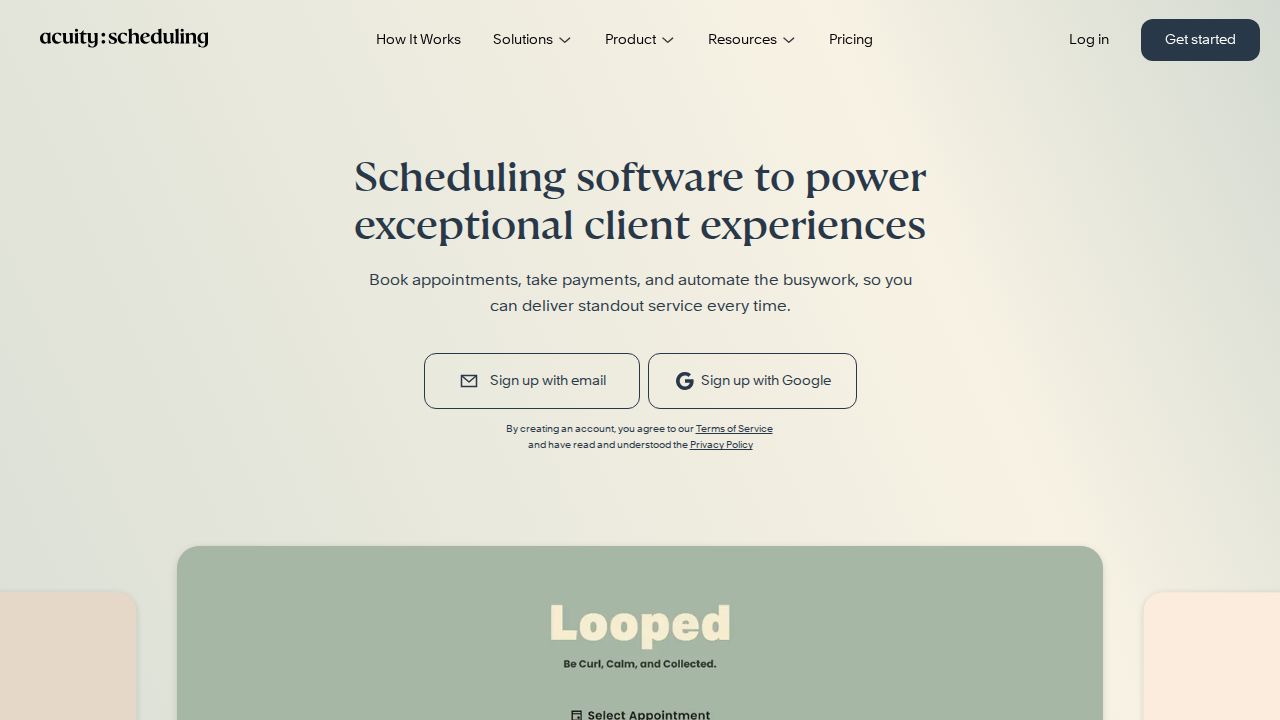
Best for client intake forms and payments Acuity Scheduling is aimed at client-based businesses that take bookings and payments online. Every plan includes online booking, custom client forms, email reminders and payments through Stripe, Square, PayPal or Venmo. There is no free plan, and Starter covers a single calendar at $16 a month on annual billing.
What stands out
- Payments through Stripe, Square, PayPal or Venmo on every plan
- Custom client forms and automatic time zone conversion
- Standard adds text reminders, packages, memberships and gift certificates
- 7-day free trial with no credit card
Keep in mind
- No free plan
- Starter covers 1 calendar and is $20 a month on monthly billing
- Removing 'Powered by' branding needs Premium
 Square Appointments
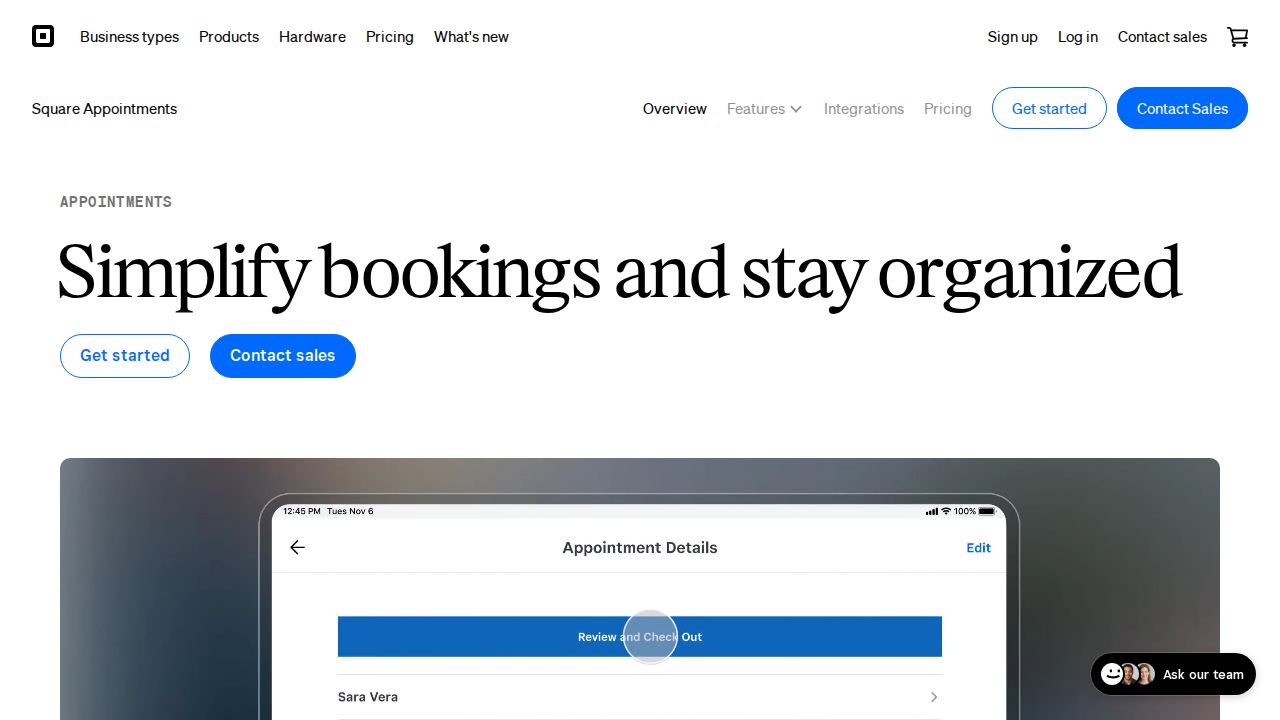
Best for businesses that take in-person payments Square Appointments ties booking to Square's payment tools, so it suits salons and other shops that also take payments in person. The Square Free tier for solo professionals includes an online booking site, appointment reminders, unlimited calendars and invoicing. Square Plus adds no-show fees, a waitlist and lower processing rates.
What stands out
- Square Free includes an online booking site and appointment reminders
- Unlimited calendars and invoicing on the free tier
- Square Plus adds cancellation policies, no-show fees and a waitlist
- Square Plus adds multi-staff booking and email and text marketing
Keep in mind
- Plan prices were not shown on the Appointments pages we checked
- Payment processing fees apply on every plan, including the free tier
How we chose
We compared each company’s published plans on four things:
- Free plan limits. Whether the cap is on users, event types or bookings per month.
- Entry price. The lowest paid plan on annual and monthly billing.
- Payments. Whether clients can pay or leave a deposit when they book, and on which plan.
- Reminders and calendar sync. Email and text reminders, and sync with Google or Microsoft calendars.
This list is based on published plans and pricing, not lab testing. Where a company did not show a price on the day we checked, we write “See site” instead of guessing.
Meeting links or client bookings?
Scheduling apps fall into two groups:
- Meeting schedulers. Built for professionals who share a link so others can pick a time. Calendly and Cal.com fit here.
- Appointment booking systems. Built for businesses that sell time slots, such as salons, tutors and clinics. Setmore, SimplyBook.me, Acuity Scheduling, Zoho Bookings and Square Appointments fit here, with staff calendars, services and payments.
Pick the group first, then compare prices inside it.
What to check before you pay
- How the plan is priced. Some charge per user, some per calendar and some by bookings per month.
- Text reminders. These often need a paid plan or separate credits.
- Branding. Removing the app’s logo from your booking page may need a higher tier.
- Processing fees. Payment providers charge their own fees on top of the subscription.
How to set up online booking
- Connect your main calendar so busy times are blocked.
- Create your services or meeting types with a length for each.
- Set your working hours and a buffer between appointments.
- Turn on confirmation and reminder messages.
- Make a test booking yourself before you share the link.
Frequently asked questions
What is the best free appointment scheduling app?
For one person, Cal.com is free with unlimited links and calendars. For a small team, Setmore is free for up to 4 users with unlimited appointments.
How much does Calendly cost?
Calendly has a free plan with one event type. Standard is listed at $10 per seat a month and Teams at $16 per seat a month.
Can clients pay when they book?
Yes on several apps. Cal.com lists Stripe and PayPal payments on its free plan, Acuity includes payments on every plan, and Calendly adds them on Standard. Setmore requires Pro for deposits.
Which scheduling app works for a business with several staff?
Setmore's free plan covers up to 4 users, SimplyBook.me Basic includes 5 providers, and Acuity Standard covers up to 6 calendars.
Do scheduling apps sync with Google or Outlook calendars?
Most do. Zoho Bookings lists two-way sync with Zoho, Google and Microsoft 365 calendars on its free plan. Setmore lists 2-way calendar sync as a Pro feature.
Sources
How we wrote this
This list is based on each company's published plans, prices and feature pages, not on hands-on lab testing. Facts were last checked on November 17, 2026. See our editorial policy.