No company paid to be on this list. Prices were checked on November 17, 2026 and can change. How we make money.
At a glance
| # | Product | Best for | Starting price | Free option |
|---|---|---|---|---|
| 1 | Free recording and live streaming | Free | Free | |
| 2 | Quick video messages with share links | $18/mo | Free plan (25 videos, 5 min) | |
| 3 | Low-cost recording with an editor | $4/mo | Free plan (15-min limit) | |
| 4 | Free screen and GIF capture on Windows | Free | Free | |
| 5 | Polished tutorials and training videos | See site | Free download (watermark) | |
| 6 | Quick clips with nothing to install | Free | Free |
The list
 OBS Studio
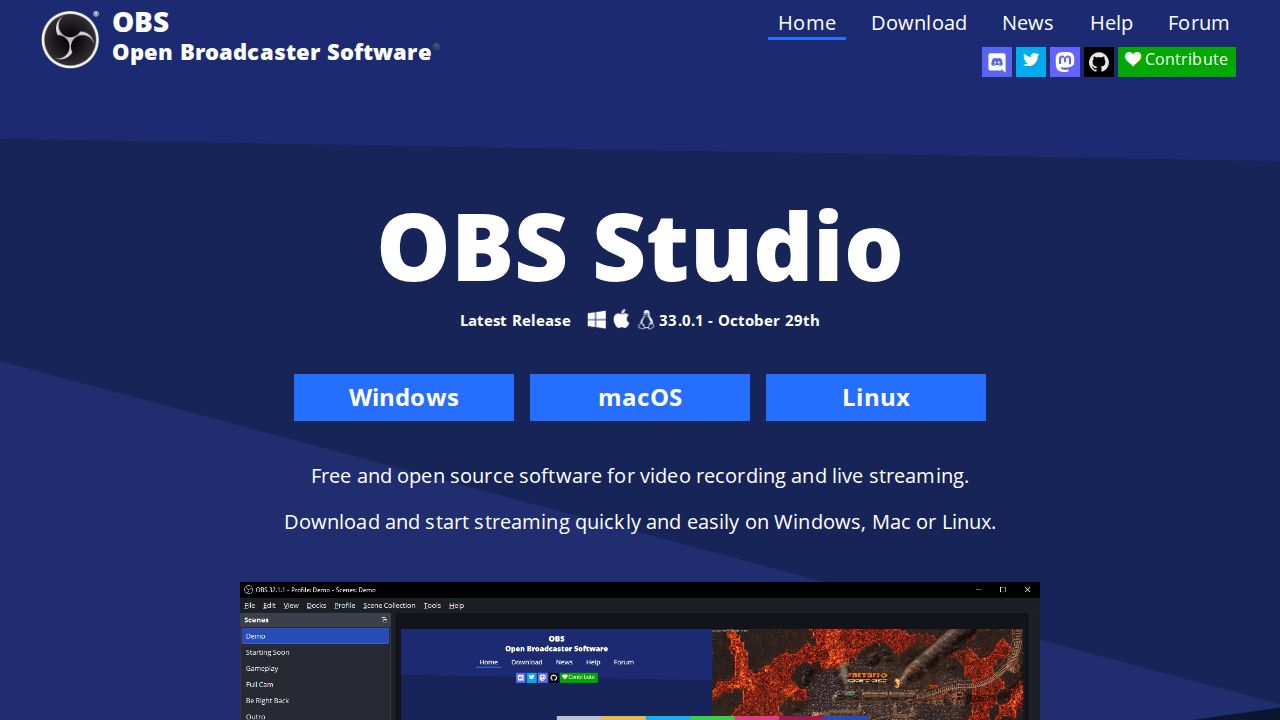
Best for free recording and live streaming OBS Studio is the strongest free choice if you are willing to learn it. It is open source, runs on Windows, macOS and Linux, and lets you build scenes from screens, webcams, images and text. It also streams to platforms such as Twitch and YouTube.
What stands out
- Free and open source with no paid tier
- Unlimited scenes with custom transitions
- Audio mixer with noise suppression, noise gate and gain filters
- Records and live streams from the same app
Keep in mind
- Its site lists no built-in editor for trimming or captions
- More settings to learn than simpler recorders
 Loom
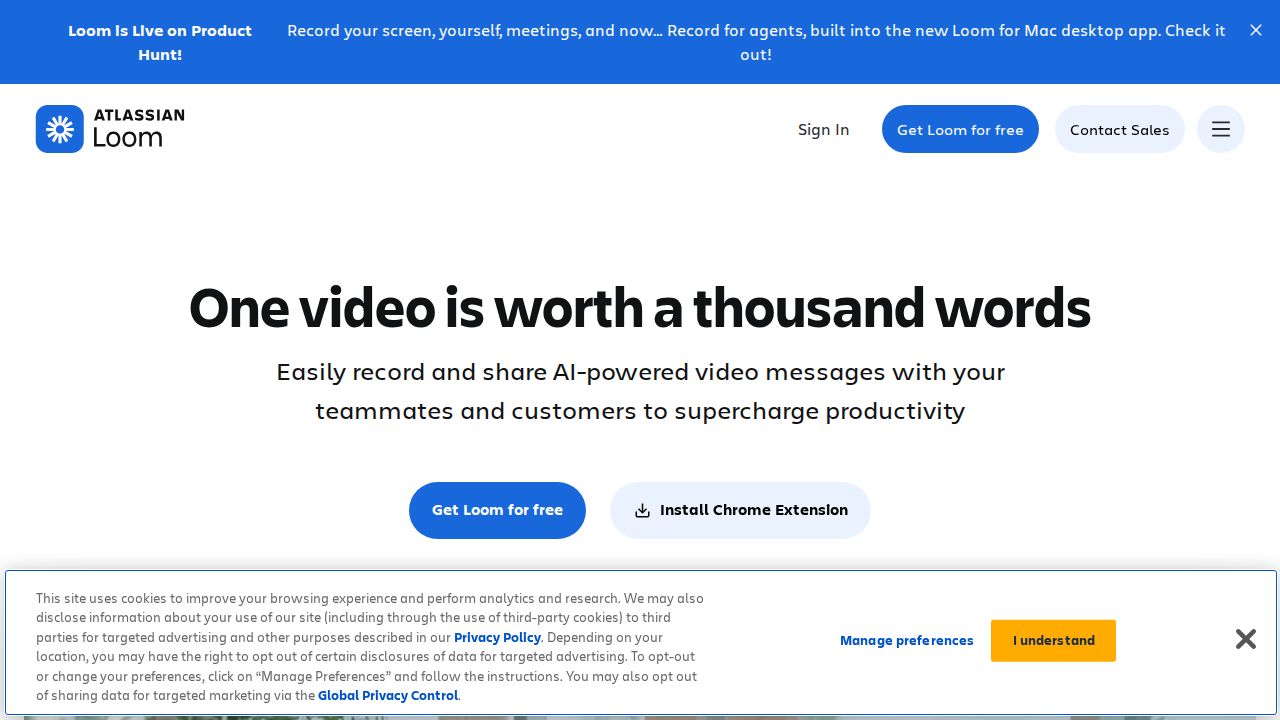
Best for quick video messages with share links Loom is built for short videos you send to coworkers or clients. You record your screen and camera, then get a share link right away, and viewers can comment and react. The free Starter plan works for light use, while Business at $18 per user a month removes the video and length limits.
What stands out
- Instant share link when a recording ends
- Apps for Mac, Windows, iOS and Android, plus a Chrome extension
- Transcriptions in 50+ languages on the free plan
- Business + AI includes a 14-day free trial
Keep in mind
- Free plan allows 25 videos per person and 5-minute screen recordings at 720p
- AI features such as auto-summaries need the $24 per user Business + AI plan
 ScreenPal
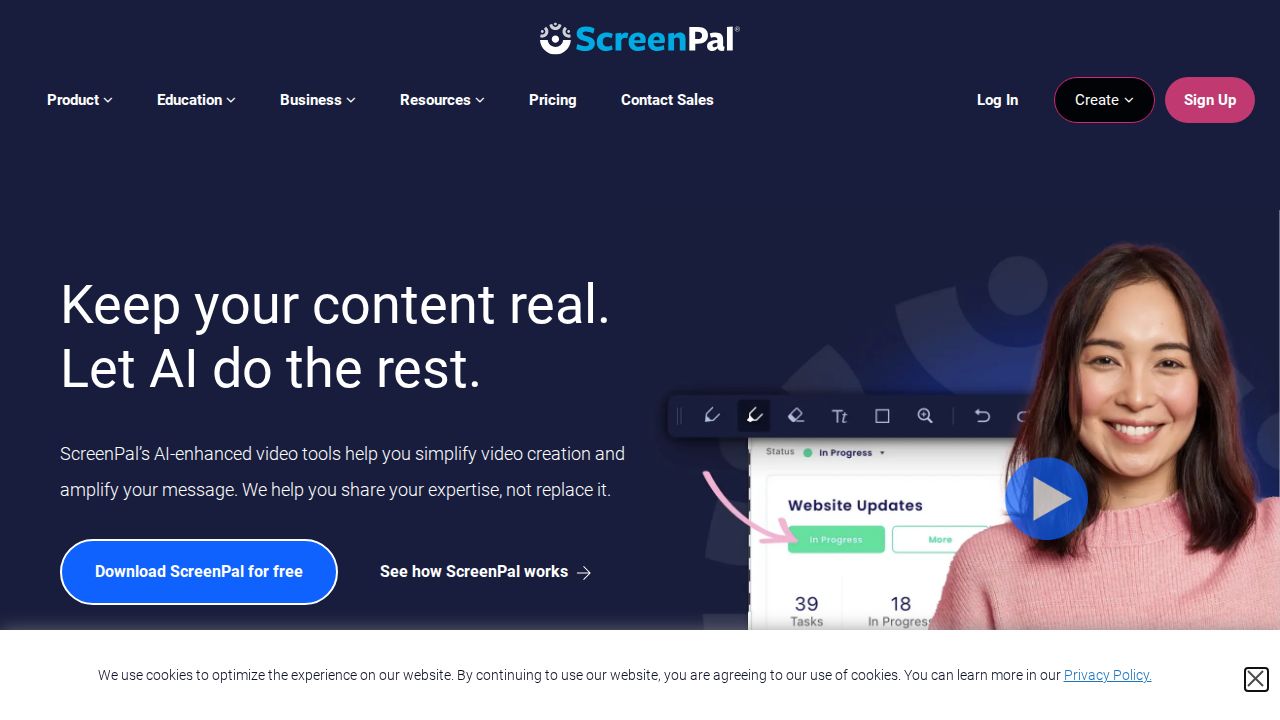
Best for low-cost recording with an editor ScreenPal suits teachers and creators who want recording and editing in one inexpensive tool. The free plan allows 15-minute recordings and basic editing. Deluxe, at $4 a month paid annually, removes the recording limit and adds a full video editor and AI speech-to-text captions.
What stands out
- Free plan includes basic editing and webcam background blur
- Deluxe adds unlimited recording, unlimited hosting and a full editor
- Max adds AI narration, auto-captions and premium stock assets
- Discounted plans for schools
Keep in mind
- Deluxe price shown is paid annually; the monthly rate was not listed
- The plans page gives conflicting figures for free video hosting
 ShareX
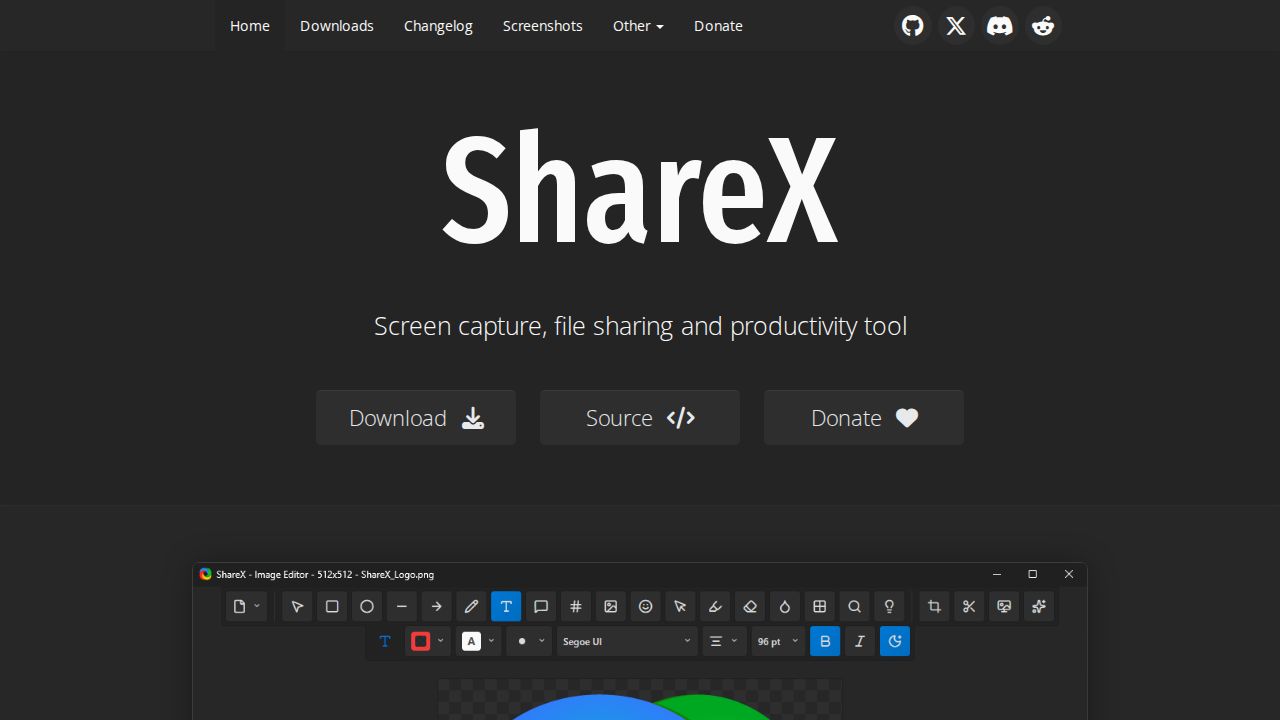
Best for free screen and GIF capture on Windows ShareX is a free, open-source capture tool for Windows that records screen video and animated GIFs alongside screenshots. It has no ads and includes an annotation editor, OCR and many upload destinations. It suits people who want quick clips and screenshots rather than polished tutorials.
What stands out
- Free, open source and ad-free
- Records screen video and GIFs
- Image editor with blur and pixelate for hiding private details
- Custom workflows and many upload destinations
Keep in mind
- Built for Windows
- Aimed at quick captures rather than editing longer videos
 Camtasia
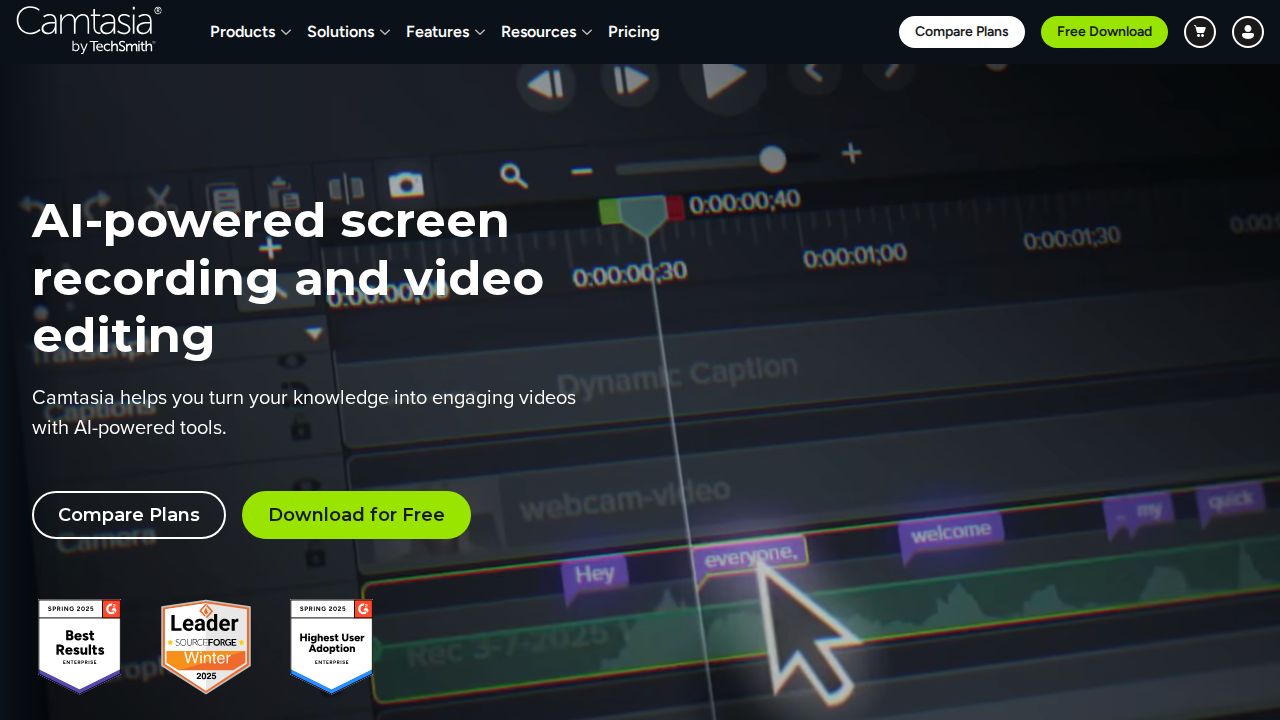
Best for polished tutorials and training videos Camtasia is a recorder and full editor aimed at tutorials and training content. It records screen, camera, system audio and microphone on separate tracks, then lets you add zooms, callouts, captions and cursor effects. You can download the editor free, but exports are watermarked until you buy a plan.
What stands out
- Records screen, webcam, system audio and mic as separate tracks
- Edit cursor appearance and movement after recording
- Text-based editing, filler word removal and background noise removal
- Desktop app for Windows and macOS that works offline
Keep in mind
- Prices were not shown on the pages we could check
- Free download adds a watermark to exported videos
 Snipping Tool
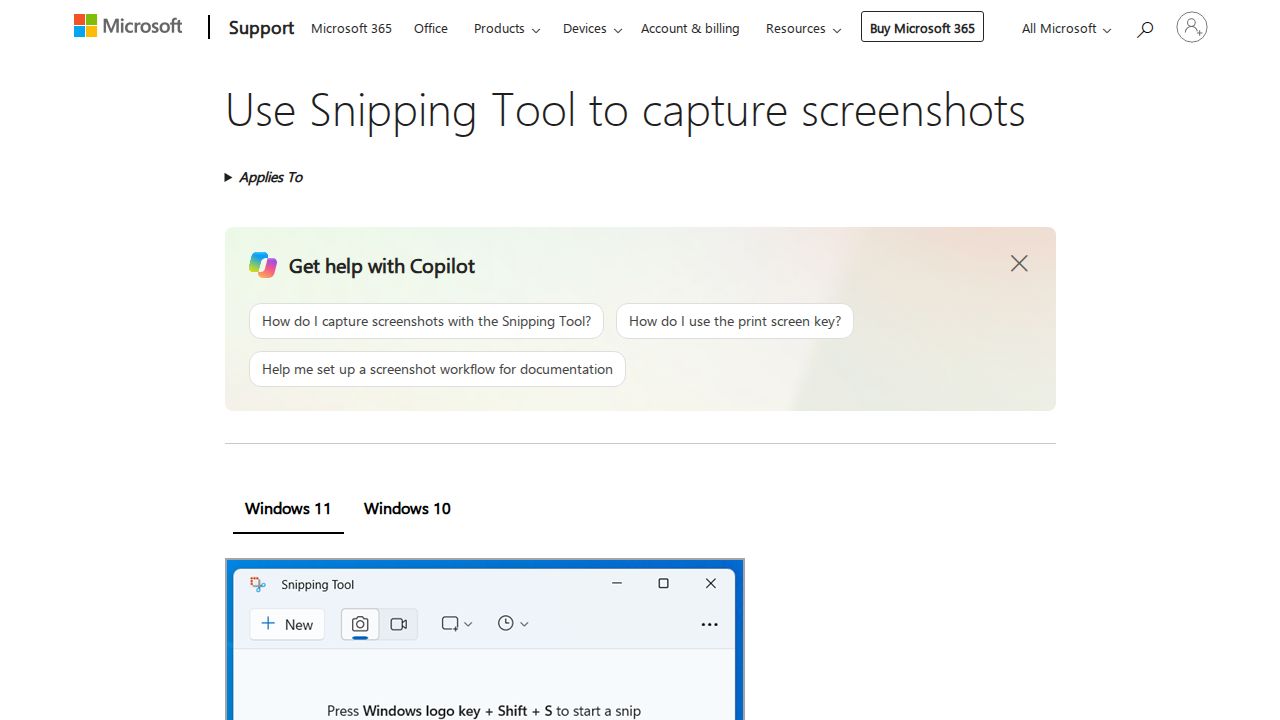
Best for quick clips with nothing to install Snipping Tool comes with Windows and can record a selected area of your screen, not just take screenshots. Press Windows logo key + Shift + R, pick an area and start. When you finish, you can save the clip or open it in Clipchamp for trimming and captions.
What stands out
- Comes with Windows, so there is nothing extra to install
- Keyboard shortcut starts a recording
- One-click handoff to Clipchamp for editing and captions
Keep in mind
- Editing happens in Clipchamp, not in Snipping Tool itself
- Windows only
How we chose
We compared each recorder’s published features and plans on these points:
- Cost and free limits. Recording length, video caps and watermarks.
- Editing. Whether you can trim, caption and polish without another app.
- Sharing. How quickly a finished video gets to the people who need it.
- Platforms. Windows, Mac, Linux and mobile support.
This list is based on published plans and pricing, not lab testing. Where a company did not show a price on the day we checked, we say “See site” instead of guessing.
Which type of recorder do you need?
- Quick messages to a coworker or client: Pick a tool with instant share links, such as Loom.
- Tutorials and training videos: Pick a recorder with a built-in editor and captions, such as Camtasia or ScreenPal.
- Gaming or live streaming: OBS Studio handles scenes, multiple sources and streaming.
- Occasional short clips: Snipping Tool on Windows is already on your PC.
Tips for a clean screen recording
- Close notifications and hide anything private on your desktop.
- Record only the window or area you need.
- Test your microphone level with a short clip first.
- Plan your steps so you are not searching for menus on camera.
- Trim the start and end before you share.
Frequently asked questions
What is the best free screen recorder?
OBS Studio is free and open source on Windows, macOS and Linux. Windows users can also use ShareX or the built-in Snipping Tool for quick clips.
Can I record my screen and webcam at the same time?
Yes. Loom records screen and camera together, OBS Studio can add a webcam as a source in a scene, and Camtasia records both on separate tracks.
Do free screen recorders add a watermark?
OBS Studio, ShareX and Snipping Tool do not charge for recording. Camtasia's free download adds a watermark to exports until you buy a plan.
Which screen recorder is best for tutorials?
Camtasia and ScreenPal both pair recording with an editor and captions. Camtasia adds cursor effects, zooms and callouts, while ScreenPal Deluxe costs $4 a month paid annually.
Sources
How we wrote this
This list is based on each company's published plans, prices and feature pages, not on hands-on lab testing. Facts were last checked on November 17, 2026. See our editorial policy.