
No company paid to be on this list. Prices were checked on November 17, 2026 and can change. How we make money.
At a glance
| # | Product | Best for | Starting price | Free option |
|---|---|---|---|---|
| 1 | Teams that rely on app integrations | $7.25/mo | Free plan (90-day history) | |
| 2 | Chat and meetings at a low price | $4.00/mo | Free plan | |
| 3 | Unlimited history on a free plan | $2.49/mo | Free plan | |
| 4 | Open source chat you can self-host | $6.67/mo | Free plan | |
| 5 | Teams already on Google Workspace | $4.90/mo | 14-day trial | |
| 6 | Communities and casual voice chat | $2.99/mo | Free |
The list
 Slack
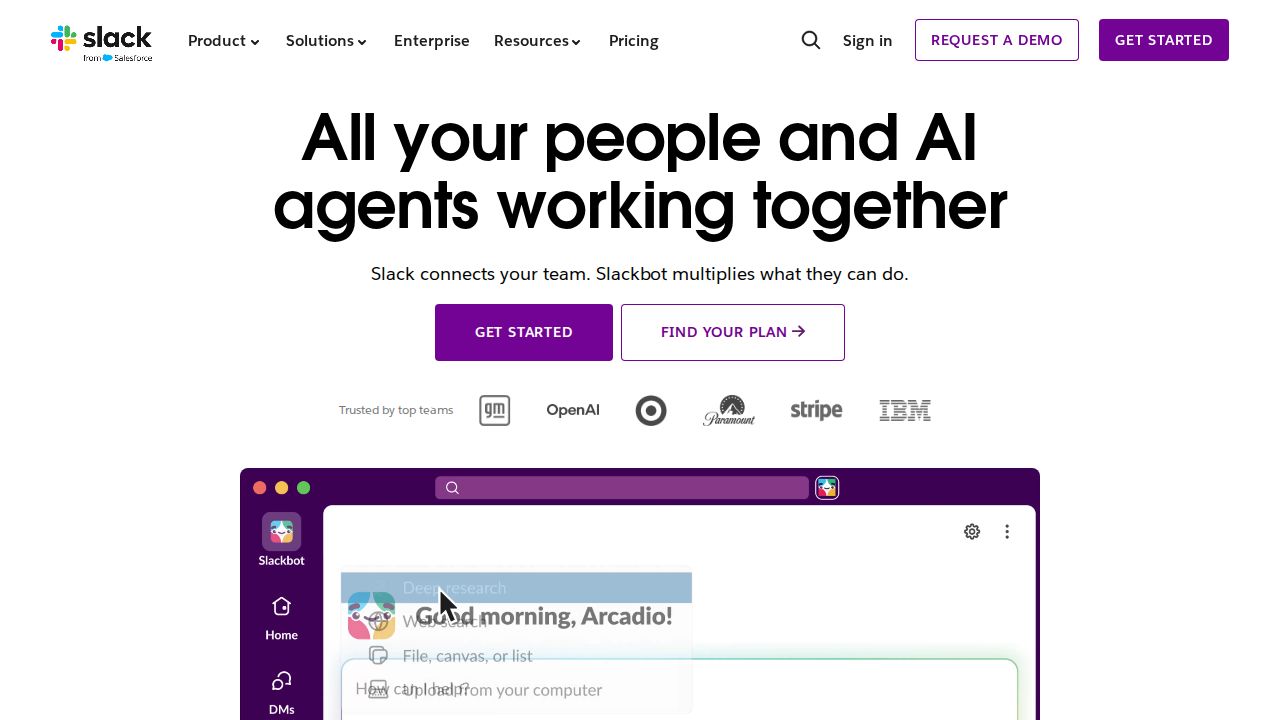
Best for teams that rely on app integrations Slack is the standard that other chat apps are measured against. The free plan includes channels, search and 1:1 huddles, with 90 days of message history and up to 10 apps. Pro removes the history and app limits and adds group huddles, canvases and AI summaries of threads and channels.
What stands out
- Free plan with channels, search, and audio and video clips
- Pro has unlimited message history and unlimited app integrations
- Pro adds group huddles and messaging with outside organizations
- Pro is $7.25 per user a month on annual billing
Keep in mind
- Free plan shows only 90 days of message history
- Free plan allows up to 10 apps and 1:1 huddles only
- Pro is $8.75 per user a month on monthly billing; SAML single sign-on needs Business+
 Microsoft Teams
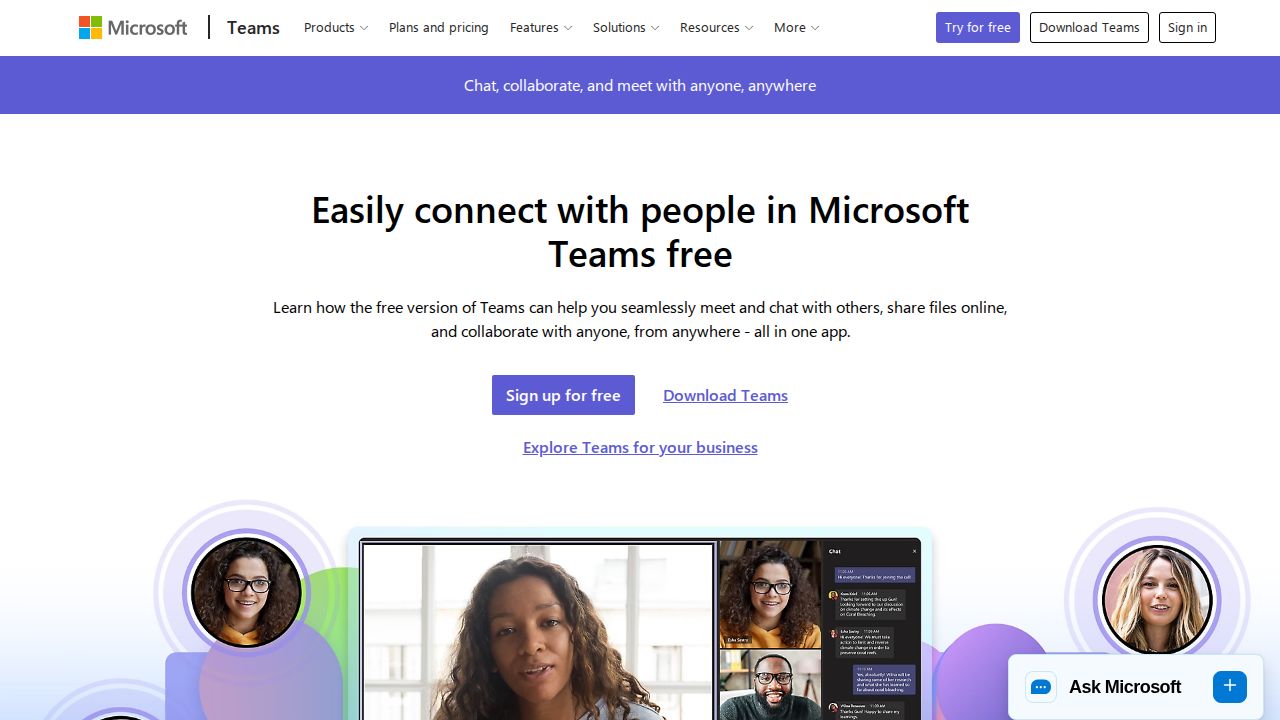
Best for chat and meetings at a low price Microsoft Teams bundles chat, calling and video meetings. The free version includes chat, group meetings of up to 60 minutes and 5 GB of cloud storage per user. Teams Essentials is $4.00 per user a month, billed yearly, and Microsoft 365 Business Basic adds unlimited chat messages and 1 TB of storage.
What stands out
- Free version with chat and 5 GB of cloud storage per user
- Teams Essentials includes chat, calling, video, file sharing and 10 GB per user
- Essentials meetings run up to 30 hours with up to 300 participants
- Business Basic ($7.00 per user a month, paid yearly) lists 250+ integrated apps
Keep in mind
- Listed business prices are billed yearly
- When an organization upgrades, all users must move to the paid version
- Free group meetings are limited to 60 minutes
 Pumble
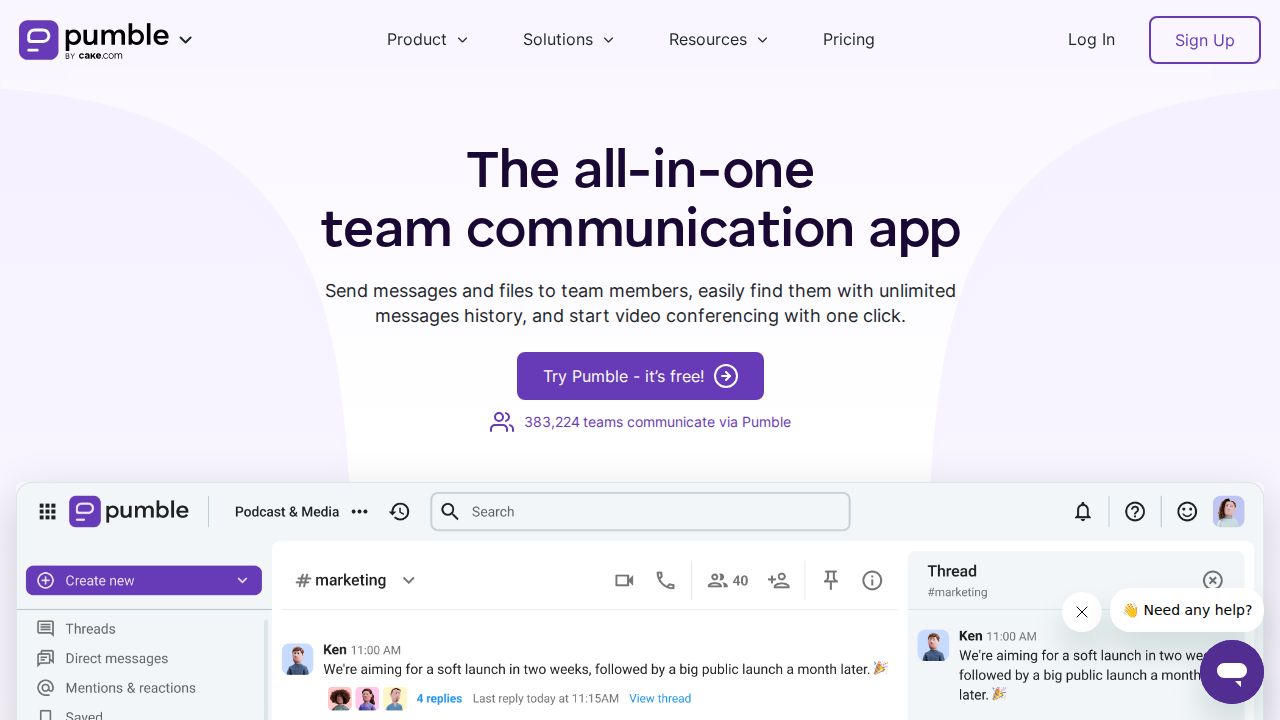
Best for unlimited history on a free plan Pumble is the budget pick. Its free plan lists unlimited users, unlimited message history and unlimited channels, with 10 GB of storage per workspace. Paid plans are the cheapest on this list, starting at $2.49 per seat a month on annual billing for Pro, which adds group meetings and screen sharing.
What stands out
- Free plan with unlimited users, message history and channels
- Free plan includes 1:1 voice and video meetings and Slack import
- Pro is $2.49 per seat a month billed annually, or $2.99 billed monthly
- Pro adds group meetings, screen sharing and 10 GB of storage per seat
Keep in mind
- Free plan allows up to 3 apps and integrations
- Free plan storage is 10 GB for the whole workspace
- Guest users and meeting recordings need the Business plan
 Zulip
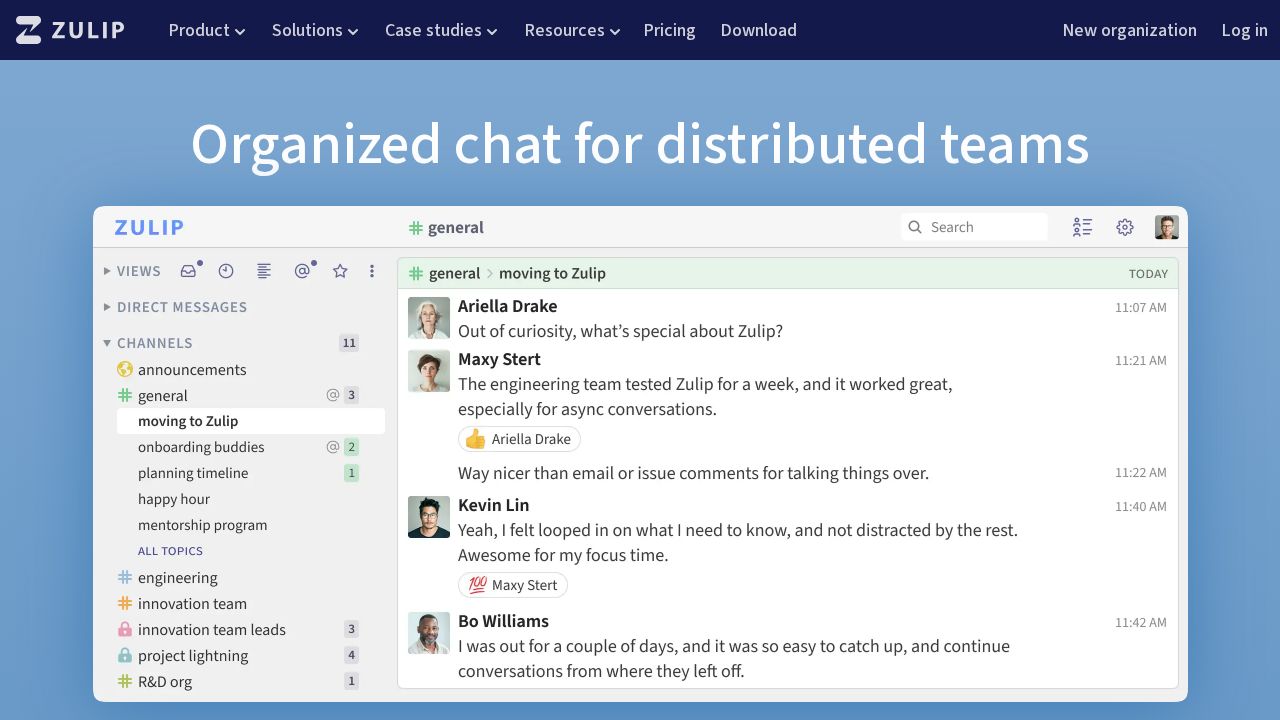
Best for open source chat you can self-host Zulip is open source software that you can use in the cloud or host yourself. The free Cloud plan includes 10,000 messages of search history, 5 GB of total file storage and guest accounts. Self-hosting is free with all features, which appeals to teams that want control of their data.
What stands out
- Free Cloud plan with hundreds of integrations and guest accounts
- Free self-hosted option with all Zulip features
- Cloud Standard has unlimited search history and 5 GB of storage per user
- Open-source projects, academic research and non-profit events can qualify for free Standard
Keep in mind
- Free Cloud plan is limited to 10,000 messages of search history
- Cloud Standard is $6.67 per user a month billed annually, or $8 billed monthly
- Free self-hosted mobile notifications are limited to 10 users for most organizations
 Google Chat
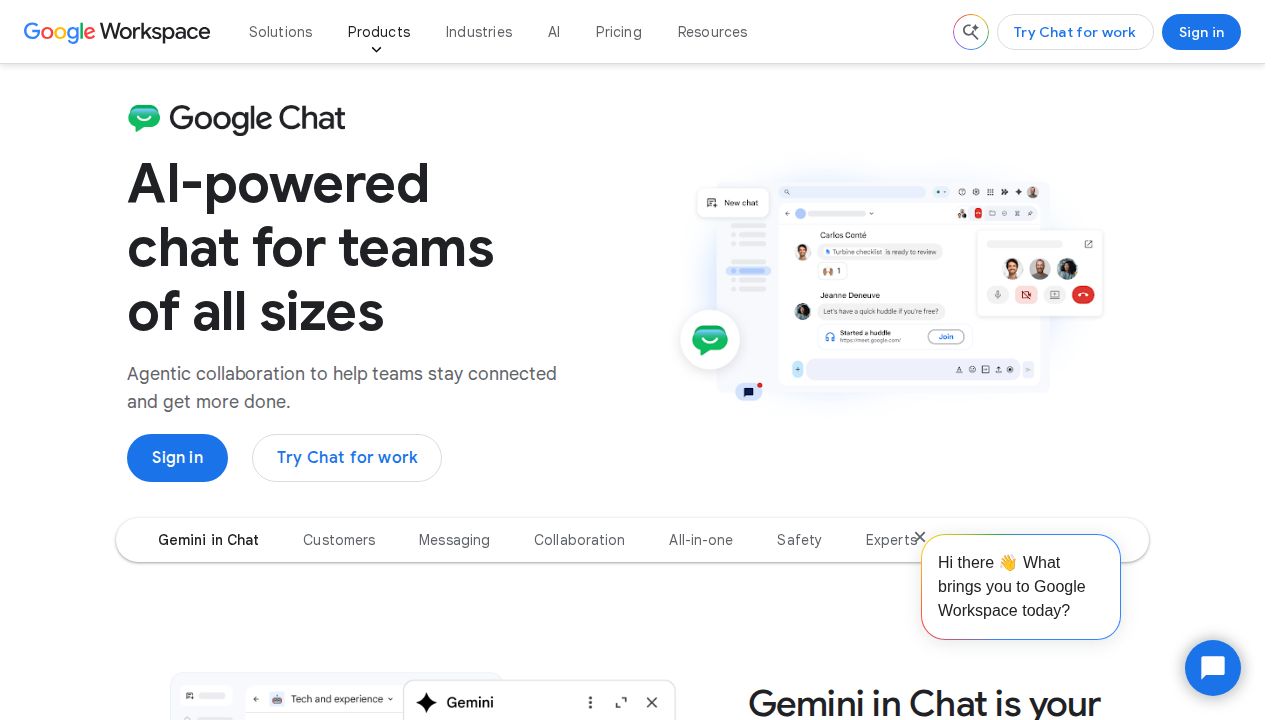
Best for teams already on Google Workspace Google Chat makes sense if your team already pays for Google Workspace, because it is included at no extra cost. It offers spaces for ongoing group work, threaded conversations and huddles for quick calls. Buying Workspace only for chat is harder to justify, since the plan also covers email, storage and meetings.
What stands out
- Included with Google Workspace at no additional cost
- Spaces, threaded conversations and huddles
- Business Starter includes 30 GB of pooled storage per user and 100-person meetings
- 14-day Workspace trial
Keep in mind
- Business Starter at $4.90 per user a month is a discount through Feb 9, 2027, then $7.00
- The introductory Starter price is for new customers and the first 20 users
- Some Chat features are only on Business and Enterprise plans
 Discord
Best for communities and casual voice chat Discord is built for communities more than offices, but its always-open voice and text channels can also work for a small team. It runs on PC, phone and console and supports video chat and streaming. Nitro Basic and Nitro are optional personal memberships that raise upload sizes; they are not team plans.

What stands out
- Voice and text channels you can drop into without placing a call
- Video chat and low latency streaming
- Nitro Basic is $2.99 a month with 50 MB uploads
- Nitro is $9.99 a month with 1 GB uploads and HD video streaming
Keep in mind
- Built for communities, so it lacks business admin and compliance controls
- Nitro is a per-person membership, with no business plan or admin pricing shown
How we chose
We compared each company’s published plans on four things:
- Free plan limits. Users, message history, storage and integrations.
- Price per user. The lowest paid plan on annual and monthly billing.
- Calls and meetings. Whether group calls are free or need a paid plan.
- Fit with tools you already use. Whether chat is bundled with a suite you may already pay for.
This list is based on published plans and pricing, not lab testing. Where a company does not publish a price or a free plan detail, we write “See site” instead of guessing.
Free or paid: which do you need?
A free plan can work for a small team if you accept its limits. Check these first:
- Message history. If old messages disappear from search, decisions get lost. Slack’s free plan shows 90 days.
- Integrations. Free plans may cap the number of connected apps.
- Group calls. Slack and Pumble keep group huddles or meetings for paid plans.
- Storage. Shared storage across a workspace fills faster than per-user storage.
Pay when your team needs full history, group calls, guest access or single sign-on.
What to look for in a team chat app
- Channels and threads. Most apps organize chat into channels. Check how replies are grouped so busy channels stay readable.
- Guests. If you work with clients or contractors, check how outside users are handled and billed.
- Bundles. Google Chat and Microsoft Teams come with their office suites, which can save a separate subscription.
- Self-hosting. Teams with strict data rules may prefer software they can run themselves.
How to roll out a chat app
- Start with a few channels, such as general, announcements and one per project.
- Agree on what belongs in chat and what still goes in email.
- Connect only the integrations people will use.
- Set notification rules so the app does not become a distraction.
Frequently asked questions
What is the best free team chat app?
Pumble's free plan lists unlimited users and unlimited message history. Slack's free plan is more limited, with 90 days of history and up to 10 apps.
How much does Slack cost?
Slack Pro is $7.25 per user a month on annual billing or $8.75 on monthly billing. Business+ is $15 per user a month on annual billing.
Which team chat app is cheapest for a paid plan?
Pumble Pro is $2.49 per seat a month on annual billing. Microsoft Teams Essentials is $4.00 per user a month, billed yearly.
Can I host a team chat app on my own server?
Yes. Zulip is open source and offers a free self-hosted plan with all features, plus paid self-hosted plans with support.
Do I need a separate chat app if I have Google Workspace or Microsoft 365?
Usually not. Google Chat is included with Workspace, and Teams is included in Microsoft 365 Business Basic, so check what you already pay for first.
Sources
How we wrote this
This list is based on each company's published plans, prices and feature pages, not on hands-on lab testing. Facts were last checked on November 17, 2026. See our editorial policy.