No company paid to be on this list. Prices were checked on November 17, 2026 and can change. How we make money.
At a glance
| # | Product | Best for | Starting price | Free option |
|---|---|---|---|---|
| 1 | A free plan for small teams | $3.99/mo | Free plan (up to 5 users) | |
| 2 | Simple timers for freelancers | $9/mo | Free plan (up to 3 users) | |
| 3 | Time tracking plus invoicing | $9/mo | Free plan (1 seat, 2 projects) | |
| 4 | A free plan with unlimited users | $3.99/mo | Free plan | |
| 5 | Automatic tracking and focus | $7/mo | 14-day trial | |
| 6 | Automatic timesheets for teams | $9/mo | 14-day trial |
The list
 Clockify
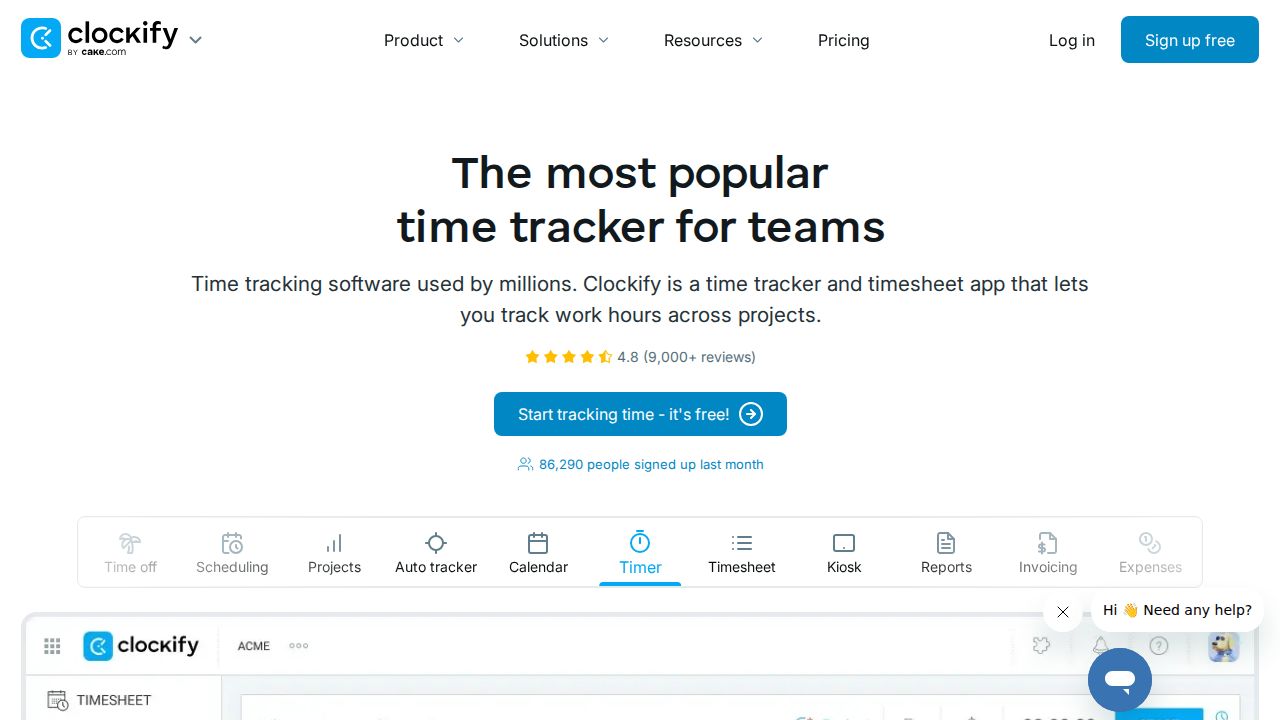
Best for a free plan for small teams Clockify is the easiest place to start because the free plan includes unlimited time tracking, timesheets, a calendar view, reports and mobile and desktop apps for up to 5 users. Paid plans are among the cheapest here, starting at $3.99 per seat a month on annual billing for the Basic plan.
What stands out
- Free plan with unlimited time tracking for up to 5 users
- Free plan includes timesheets, Pomodoro timer, idle detection and reports
- Basic is $3.99 per seat a month billed annually, or $4.99 billed monthly
- Standard adds invoicing, time off and approvals at $5.49 billed annually
Keep in mind
- Reports on the free plan cover a 1-month data range
- Invoicing needs the Standard plan; expenses and GPS tracking need Pro
- Prices exclude taxes
 Toggl Track
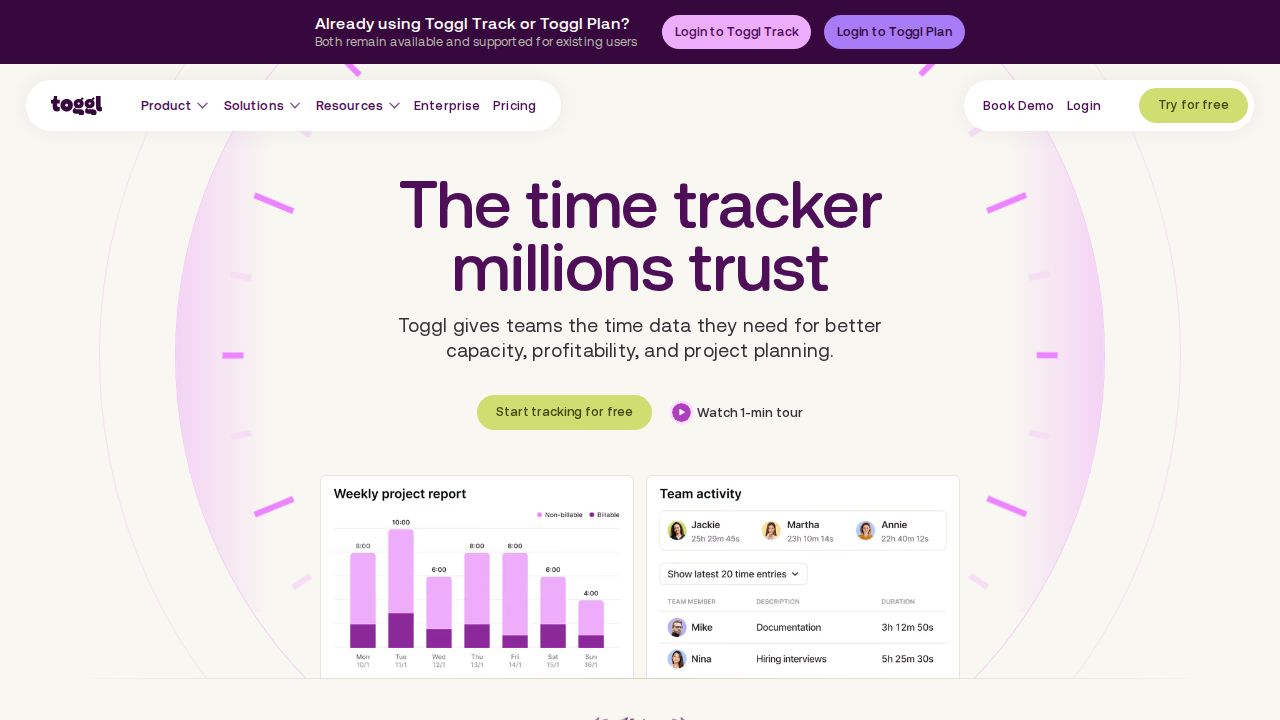
Best for simple timers for freelancers Toggl Track suits freelancers and very small teams who want a straightforward timer. The free plan includes manual and real-time timers, a focus mode, calendar integrations and personal reports for up to 3 users. Starter adds billable rates and team reports, with a 30-day trial of paid plans.
What stands out
- Free plan for up to 3 users
- Free plan includes real-time timers, focus mode and calendar integrations
- Starter adds billable rates, tags and team reports
- 30-day trial of Starter and Premium
Keep in mind
- Starter is $9 per user a month on annual billing and $12 on monthly billing
- Timesheet approvals and profitability reports need Premium ($16 per user a month billed annually)
 Harvest
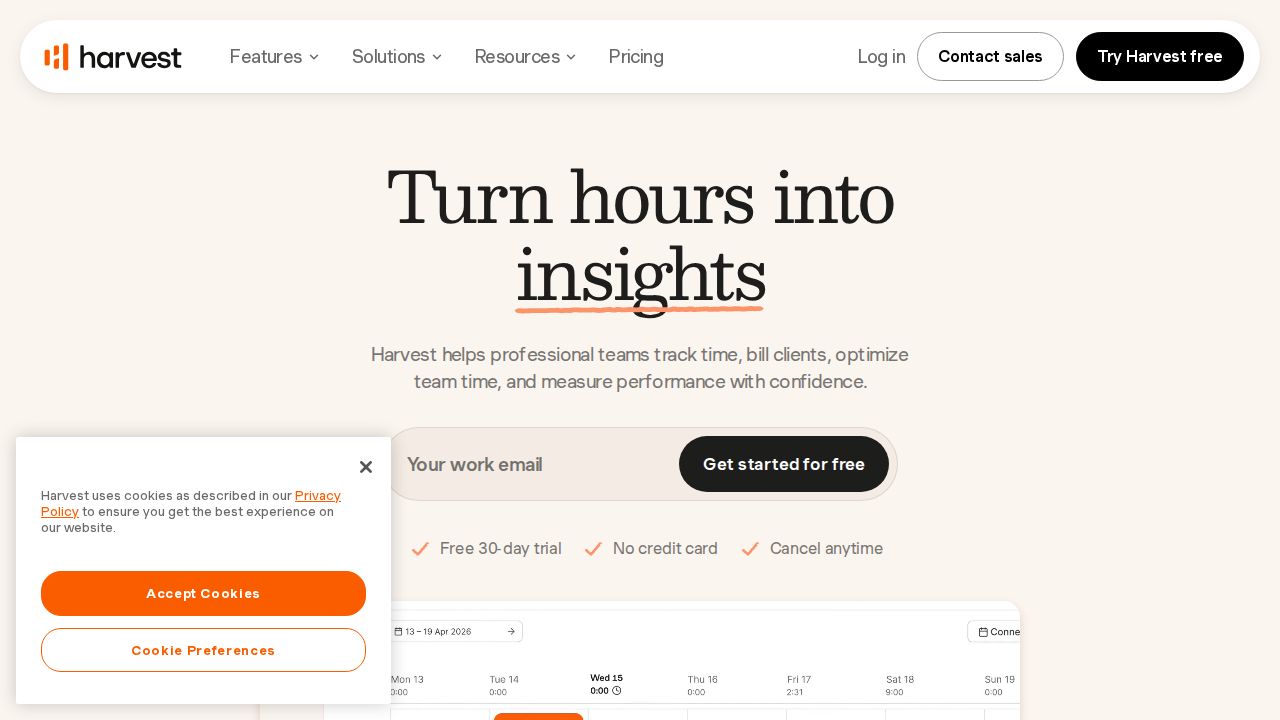
Best for time tracking plus invoicing Harvest ties tracked hours to invoices, which makes it a natural fit for freelancers and agencies that bill clients. The free plan covers one seat and two projects with time tracking, invoicing and expense tracking. Teams costs $9 per seat a month on annual billing and removes the seat limit.
What stands out
- Free plan includes time tracking, invoicing and expense tracking
- Teams plan has unlimited seats with accounting and payment integrations
- 30-day trial of Teams and Enterprise with no credit card
- Paying yearly gives a 20% discount
Keep in mind
- Free plan is limited to 1 seat and 2 projects
- Teams is $11 per seat a month on monthly billing
- Timesheet approvals and profitability reporting need Enterprise
 TimeCamp
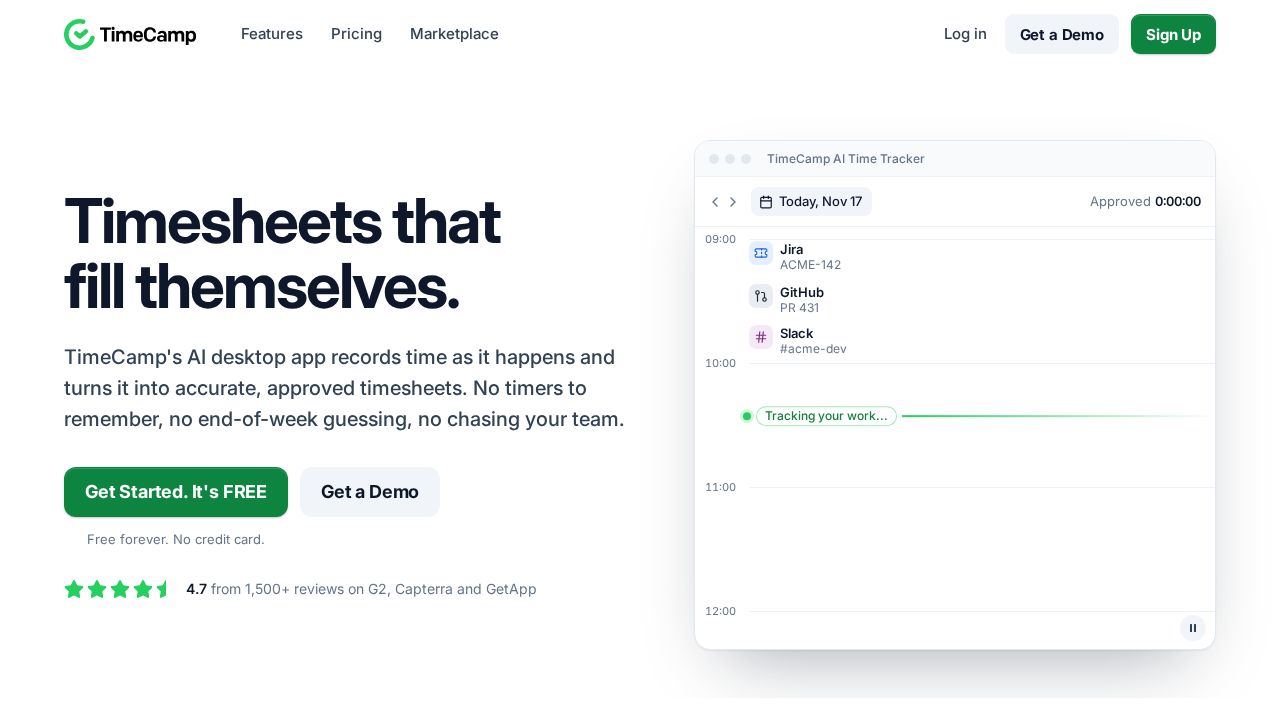
Best for a free plan with unlimited users TimeCamp stands out for a free plan that lists unlimited users and unlimited projects, with timesheets and web, desktop and mobile apps. Starter is $3.99 per user a month on annual billing and adds attendance, time off and invoicing. Billable time and budgets start on the Premium plan.
What stands out
- Free plan with unlimited users and unlimited projects
- Starter is $3.99 per user a month billed annually, or $5.49 billed monthly
- Starter adds attendance, time-off tracking, invoicing and overtime tracking
- Extra 30% discount listed for non-profits, universities, students and schools
Keep in mind
- Billable time, budgets and app and website tracking need Premium ($6.99 billed annually)
- The pricing page states that refunds are not granted
- The AI Time Tracker is billed separately by usage
 RescueTime
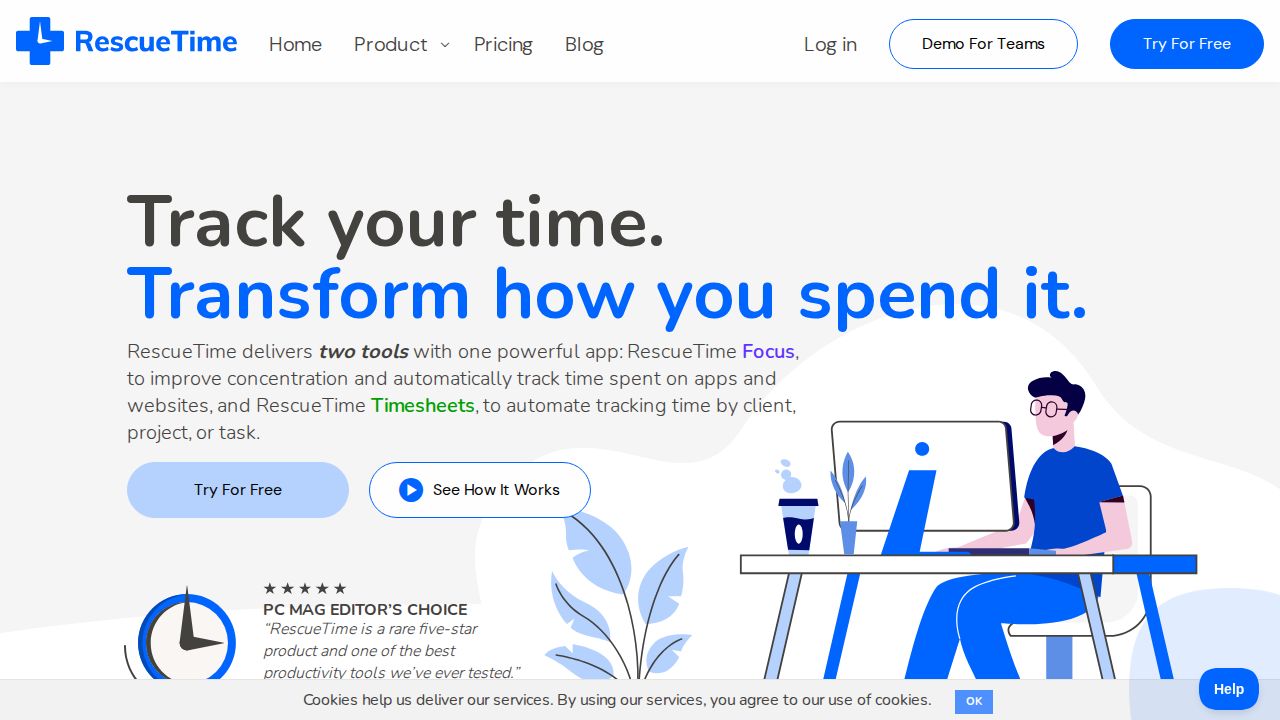
Best for automatic tracking and focus RescueTime is for individuals who want to see where their computer time goes without starting a timer. The Solo plan tracks activity automatically, detects idle time, blocks distractions and runs Focus Sessions. Solo+ adds timesheets with client, project and task tracking for people who also bill their hours.
What stands out
- Automatic activity tracking and idle time detection
- Distraction blocking and Focus Sessions
- Solo is $7 a month billed annually ($84 a year), or $9 billed monthly
- 14-day free trial on paid plans
Keep in mind
- The pricing page does not describe what the free Lite plan includes
- Timesheets and billable rates need Solo+ ($12 a month billed annually)
 Timely
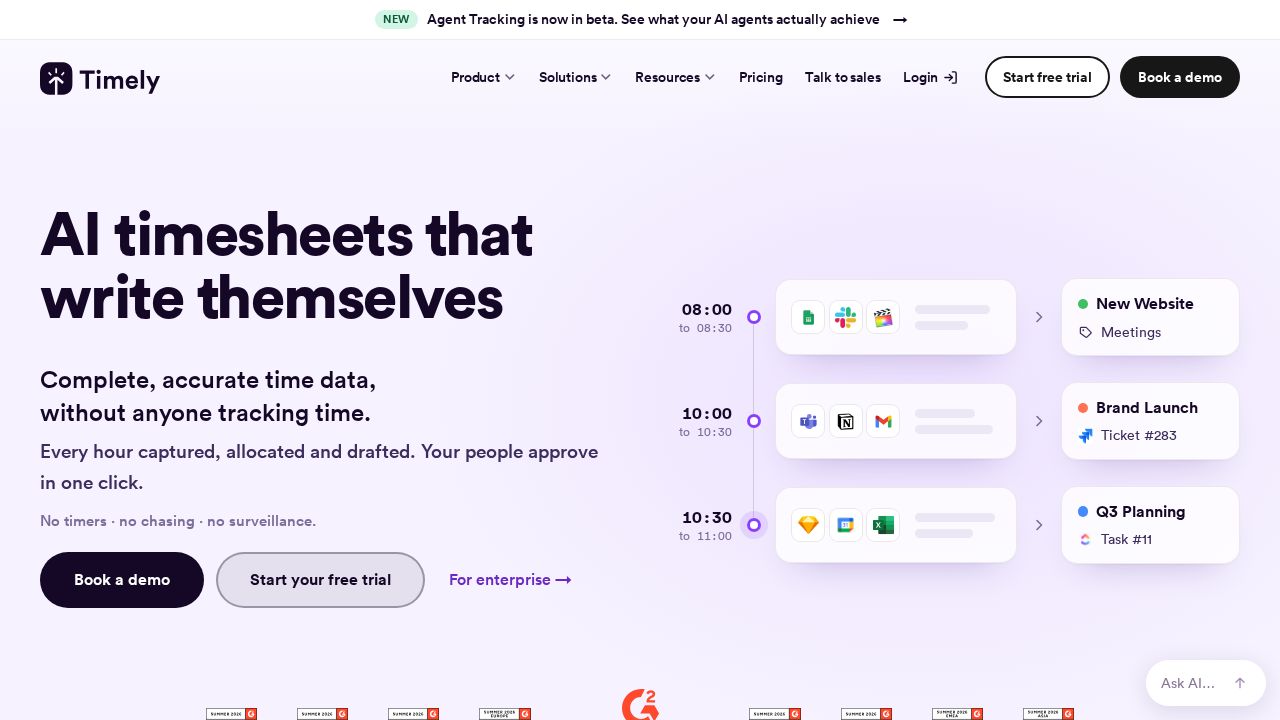
Best for automatic timesheets for teams Timely records work automatically and uses AI to sort it into projects, so team members do not have to run timers. Starter costs $9 per user a month on yearly billing and is capped at 5 users and 20 projects. There is no free plan, only a 14-day trial.
What stands out
- Automatic time tracking with AI categorization
- App and website tracking and billable hour reporting on Starter
- 14-day trial with access to all features
- Premium adds accounting integrations and budget management
Keep in mind
- No free plan
- Starter is limited to 5 users and 20 projects
- Starter is $11 per user on monthly billing; Premium is $16 on yearly billing
How we chose
We compared each company’s published plans on four things:
- Free plan limits. How many users and projects the free plan covers.
- Entry price per user. The lowest paid plan, on annual and monthly billing.
- Billing features. Billable rates, invoicing and expense tracking, and which plan they start on.
- How time is captured. Manual timers, timesheets or automatic background tracking.
This list is based on published plans and pricing, not lab testing. Where a company does not publish a price, we write “See site” instead of guessing.
Manual timer or automatic tracking?
Time trackers work in two main ways:
- Manual timers and timesheets. You start a timer or type in your hours. This is simple, and it suits client billing because every entry is tied to a project. Clockify, Toggl Track, Harvest and TimeCamp work this way.
- Automatic tracking. The app logs the apps and sites you use and builds a record for you. This suits people who forget to start timers. RescueTime and Timely focus on this.
What to check before you pay
- Seat counting. Per-user prices add up fast. Multiply by your whole team, not only the people who log hours.
- Annual versus monthly. Every paid plan here is cheaper on annual billing, but you commit for a year.
- Where invoicing starts. Some apps include it on the free plan, others only on a middle tier.
- Report history. A free plan may limit how far back reports go.
- Refund terms. Policies differ, so read them before choosing annual billing.
How to get started
- Pick one app with a free plan or trial and set up two or three real projects.
- Track a full work week before judging it.
- Run a report at the end of the week and check that it answers the question you care about, such as hours per client.
- Invite the rest of the team only after the setup works for you.
Frequently asked questions
Is there a completely free time tracking app?
Yes. Clockify is free for up to 5 users, Toggl Track for up to 3 users, and TimeCamp lists unlimited users on its free plan. Harvest is free for 1 seat and 2 projects.
Which time tracker is best for freelancers who bill clients?
Harvest includes invoicing and expense tracking on its free plan. Clockify adds invoicing on its Standard plan and TimeCamp on its Starter plan.
How much do paid time tracking apps cost?
On annual billing, the entry paid plans on this list run from $3.99 per user a month (Clockify Basic, TimeCamp Starter) to $9 (Toggl Track Starter, Harvest Teams, Timely Starter).
What is automatic time tracking?
The app records which apps and websites you use in the background, so you do not start and stop a timer. RescueTime and Timely are built around this approach.
Sources
How we wrote this
This list is based on each company's published plans, prices and feature pages, not on hands-on lab testing. Facts were last checked on November 17, 2026. See our editorial policy.