No company paid to be on this list. Prices were checked on November 17, 2026 and can change. How we make money.
At a glance
| # | Product | Best for | Starting price | Free option |
|---|---|---|---|---|
| 1 | Most people who want a capable free plan | $5/mo | Free plan (5 projects) | |
| 2 | A free app that works with Outlook | Free | Free | |
| 3 | Tasks, calendar and habits in one app | $49.99/yr | Free plan (9 lists) | |
| 4 | Families sharing lists and groceries | $4.99/mo | Free plan | |
| 5 | Apple users who dislike subscriptions | $9.99 | Mac free trial |
The list
 Todoist
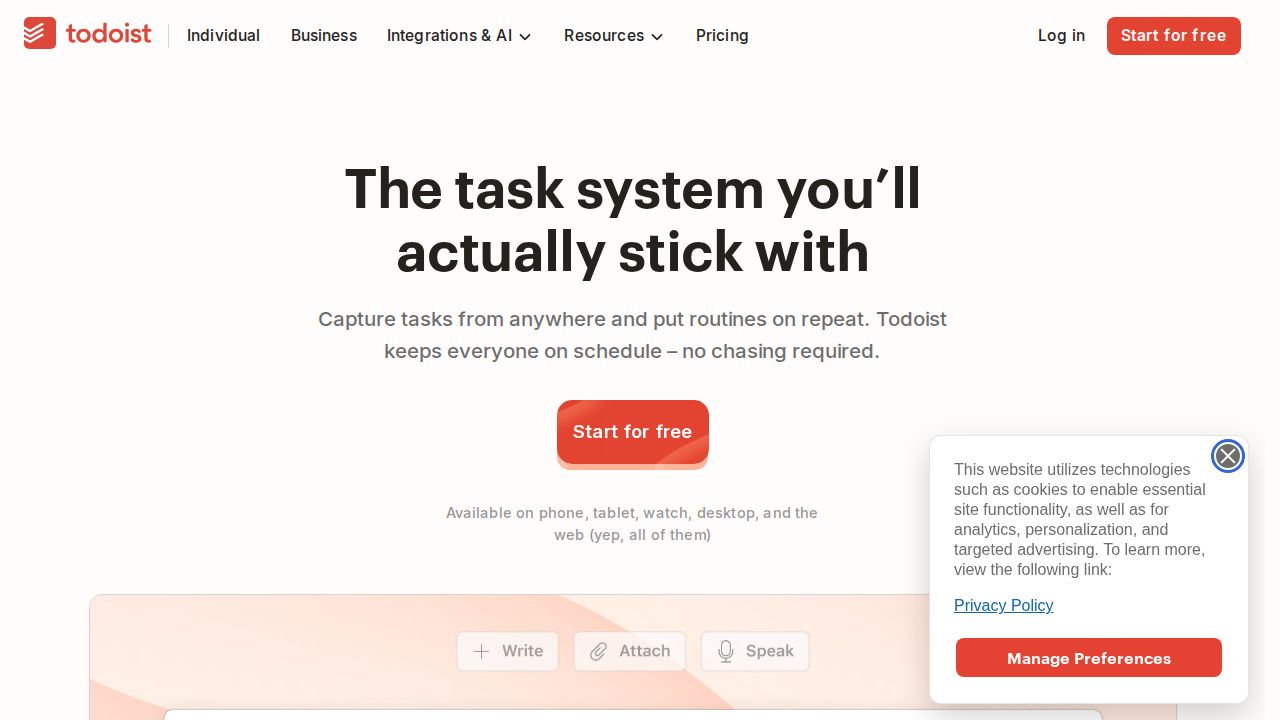
Best for most people who want a capable free plan Todoist is the safest pick for most people. The free Beginner plan allows 5 personal projects with up to 5 collaborators each, plus task reminders and 3 filters. Pro raises the cap to 300 projects and adds calendar and table layouts, custom reminders and automatic backups for $5 a month on annual billing.
What stands out
- Free Beginner plan with 5 personal projects and 5 collaborators per project
- Pro is $5 a month billed annually ($60 a year)
- Pro allows 300 projects, 150 filters and 100 MB file uploads
- Pro adds calendar and table layouts, task duration and auto backups
Keep in mind
- Pro costs $7 a month if you pay monthly
- Calendar and table layouts are not on the free plan
- Free uploads are limited to 5 MB
 Microsoft To Do
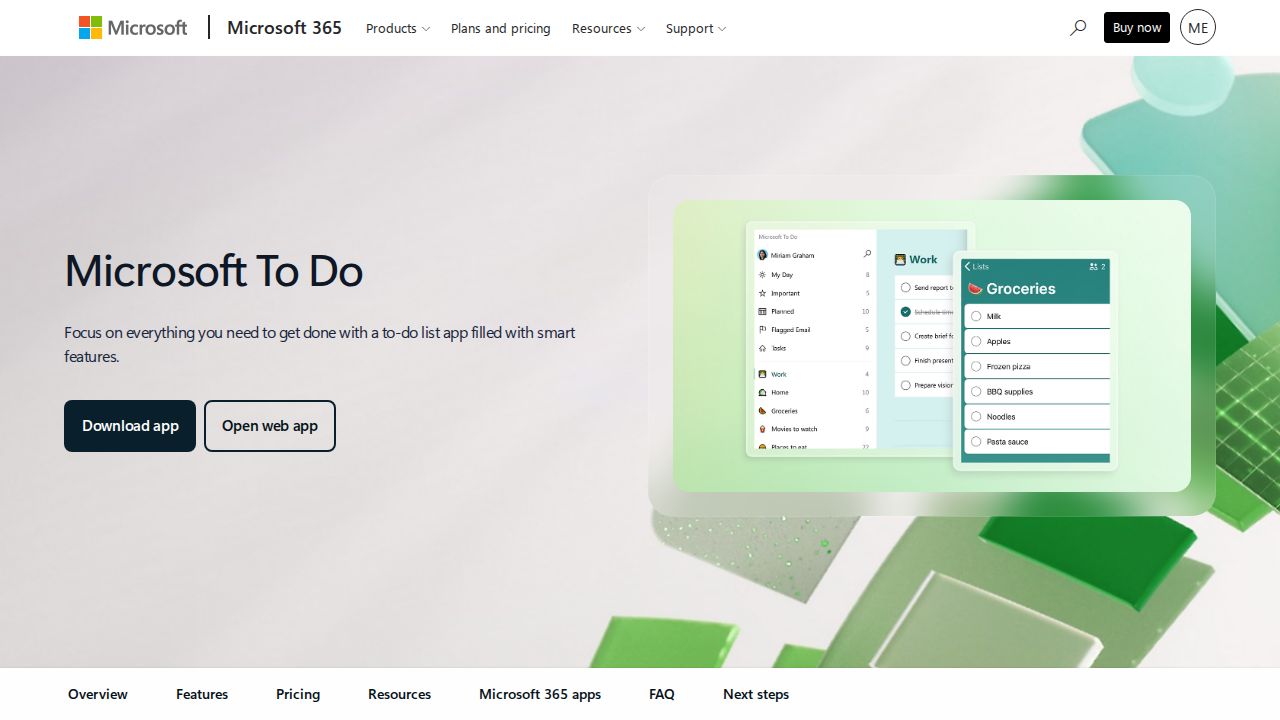
Best for a free app that works with Outlook Microsoft To Do is free and syncs lists across the web, iOS, Android and Windows. It is the natural choice if you already use Outlook, because it works with Outlook tasks. The My Day planner suggests what to focus on, and lists can be shared with family, friends or coworkers.
What stands out
- Free, with sync across the web, iOS, Android and Windows
- Works with Outlook tasks
- My Day planner with personalized suggestions
- Shared lists, due dates, reminders and steps inside a task
Keep in mind
- Microsoft's page lists web, iOS, Android and Windows, with no Mac app mentioned
- Built for simple lists rather than large projects
 TickTick
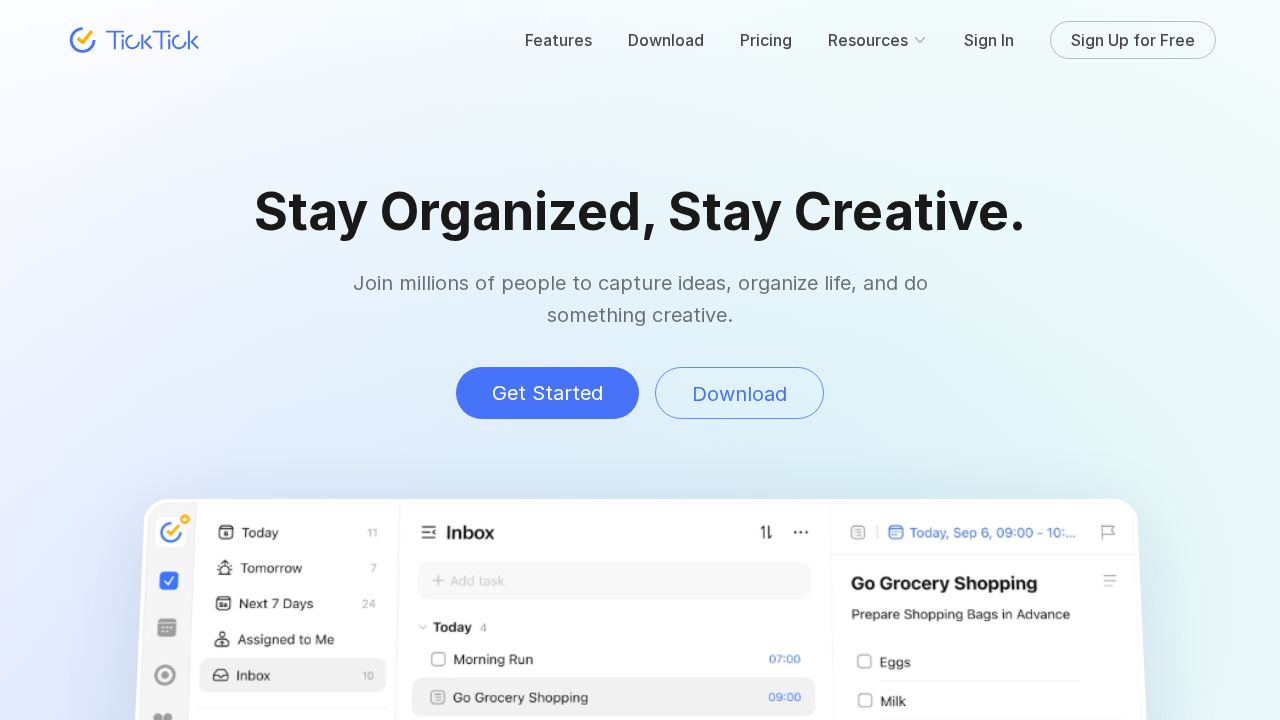
Best for tasks, calendar and habits in one app TickTick combines a task list with a calendar view and habit tracking. The free plan includes 9 lists with 99 tasks each, list and Kanban views, natural language input and sync across platforms. Premium costs $49.99 a year, raises those limits to 299 lists and 999 tasks per list, and unlocks the full calendar views.
What stands out
- Free plan with 9 lists, list and Kanban views and cross-platform sync
- Premium is $49.99 a year, about $4.17 a month
- Premium raises limits to 299 lists and 999 tasks per list
- Premium adds multiple calendar views, task duration and email reminders
Keep in mind
- The upgrade page shows only an annual price
- Free plan has only a basic calendar view
 Any.do
Best for families sharing lists and groceries Any.do fits households that want shared lists. The free Personal plan includes tasks, lists, reminders, a calendar and a daily planner with sync across devices. Premium adds recurring tasks and location reminders, and the Family plan covers 4 members with a shared grocery list for one flat price.
What stands out
- Free Personal plan with tasks, lists, reminders, calendar and daily planner
- Premium is $4.99 a month billed yearly
- Family plan covers 4 members for $8.33 a month billed yearly
- Premium adds recurring tasks, WhatsApp reminders and location reminders
Keep in mind
- Recurring tasks need Premium
- Premium is $7.99 a month on monthly billing
- The Family plan is fixed at 4 members
 Things
Best for apple users who dislike subscriptions Things is a paid app for Apple devices only: Mac, iPhone and Apple Watch, iPad and Apple Vision Pro. The App Store lists the iPhone version at $9.99 and the Mac version at $49.99, and sync through the company's Things Cloud service is free. A free trial is offered for the Mac app.
What stands out
- App Store price of $9.99 for iPhone and $49.99 for Mac
- Sync through Things Cloud is free
- Free trial available for the Mac version
- Supports Shortcuts, keyboard shortcuts and Markdown notes in tasks
Keep in mind
- No free version
- Apple devices only
- Each device type is sold separately
How we chose
We compared each company’s published plans on four points:
- Free plan limits. How many projects, lists or tasks you get before paying.
- Price of the personal paid plan. Using the yearly billing rate where the company shows one.
- Features locked behind payment. Reminders, recurring tasks and calendar views are the usual ones.
- Platforms. Whether the app covers phones, computers and the web.
This list is based on published plans and pricing, not lab testing. Where a price is not published on a company’s page, we write “See site” instead of guessing.
Free or paid: which do you need?
Start with a free plan. It is enough when you:
- Keep a handful of lists, such as home, work and shopping
- Only need due dates and basic reminders
- Share a list with one or two people
Consider paying when you want:
- More projects or lists than the free cap allows
- A full calendar view of your tasks
- Recurring tasks or location reminders on Any.do
- Automatic backups, which Todoist includes with Pro
How to pick the right app in 10 minutes
- Write down the devices you use every day. Things only runs on Apple devices, and Microsoft’s page for To Do lists web, iOS, Android and Windows.
- Count the lists or projects you need. Compare that number with the free caps above.
- Decide whether you share tasks. If yes, check collaborator and family limits.
- Add ten real tasks to the free version and use it for a week before paying for anything.
Frequently asked questions
What is the best free to-do list app?
Microsoft To Do is free and syncs across the web, iOS, Android and Windows. Todoist's free Beginner plan is also strong, with 5 personal projects and task reminders.
Is Todoist Pro worth paying for?
It is worth it if you need more than 5 projects or want calendar and table layouts, custom reminders and automatic backups. Pro costs $5 a month billed annually or $7 billed monthly.
Which to-do app is best for families?
Any.do sells a Family plan for 4 members at $8.33 a month billed yearly, with a shared family space and a shared grocery list. Microsoft To Do also lets you share lists for free.
Is there a to-do app without a subscription?
Things is sold as a paid app on the App Store, listed at $9.99 for iPhone and $49.99 for Mac. Microsoft To Do is free.
Do free to-do apps limit how many tasks I can add?
Some do. TickTick's free plan allows 9 lists with 99 tasks each, and Todoist's free plan allows 5 personal projects. Any.do says its free version includes unlimited tasks.
Sources
How we wrote this
This list is based on each company's published plans, prices and feature pages, not on hands-on lab testing. Facts were last checked on November 17, 2026. See our editorial policy.