No company paid to be on this list. Prices were checked on November 17, 2026 and can change. How we make money.
At a glance
| # | Product | Best for | Starting price | Free option |
|---|---|---|---|---|
| 1 | Free 60-minute group calls | $4.90/mo | Free plan (60 min, 100 people) | |
| 2 | Meetings most guests already know | $14.16/mo | Free plan (40 min, 100 people) | |
| 3 | The lowest cost paid upgrade | $4.00/mo | Free plan (60 min, 100 people) | |
| 4 | A free plan with extra meeting tools | See site | Free plan (40 min, 100 people) | |
| 5 | Small calls with a permanent room link | $10.99/mo | Free plan (30 min, 4 people) | |
| 6 | Free meetings with no account | Free | Free plan |
The list
 Google Meet
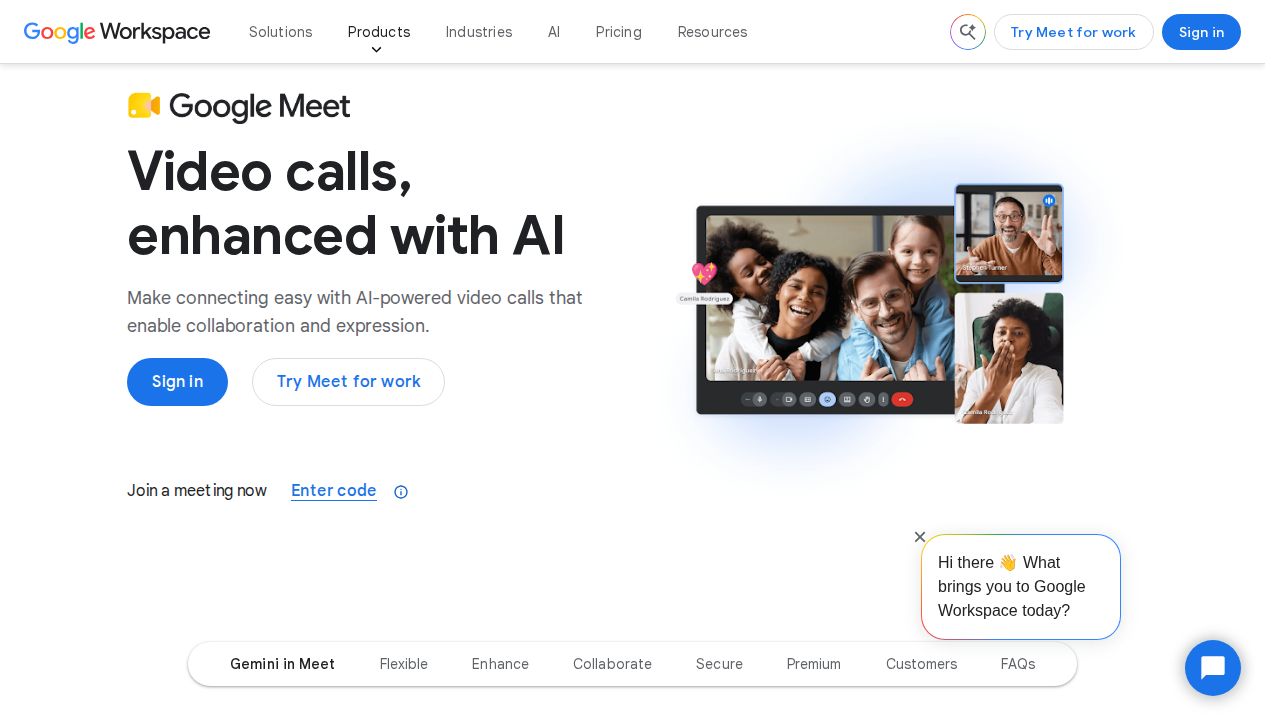
Best for free 60-minute group calls Google Meet is the simplest option for anyone with a Google Account. Free group meetings can run up to 60 minutes with up to 100 invitees, and Google says there is no time limit on one-to-one and mobile calls. A Google Workspace plan extends meetings to 24 hours and adds recordings and transcripts.
What stands out
- Free group meetings up to 60 minutes with up to 100 invitees
- No time limit stated for 1:1 and mobile calls
- Paid plans allow meetings up to 24 hours
- Business Starter includes 100 participants; Business Standard includes 150
Keep in mind
- Business Starter at $4.90 per user a month is a discount through Feb 9, 2027, then $7.00
- The introductory Starter price is for new customers and the first 20 users
- Recordings and transcripts need a paid plan
 Zoom
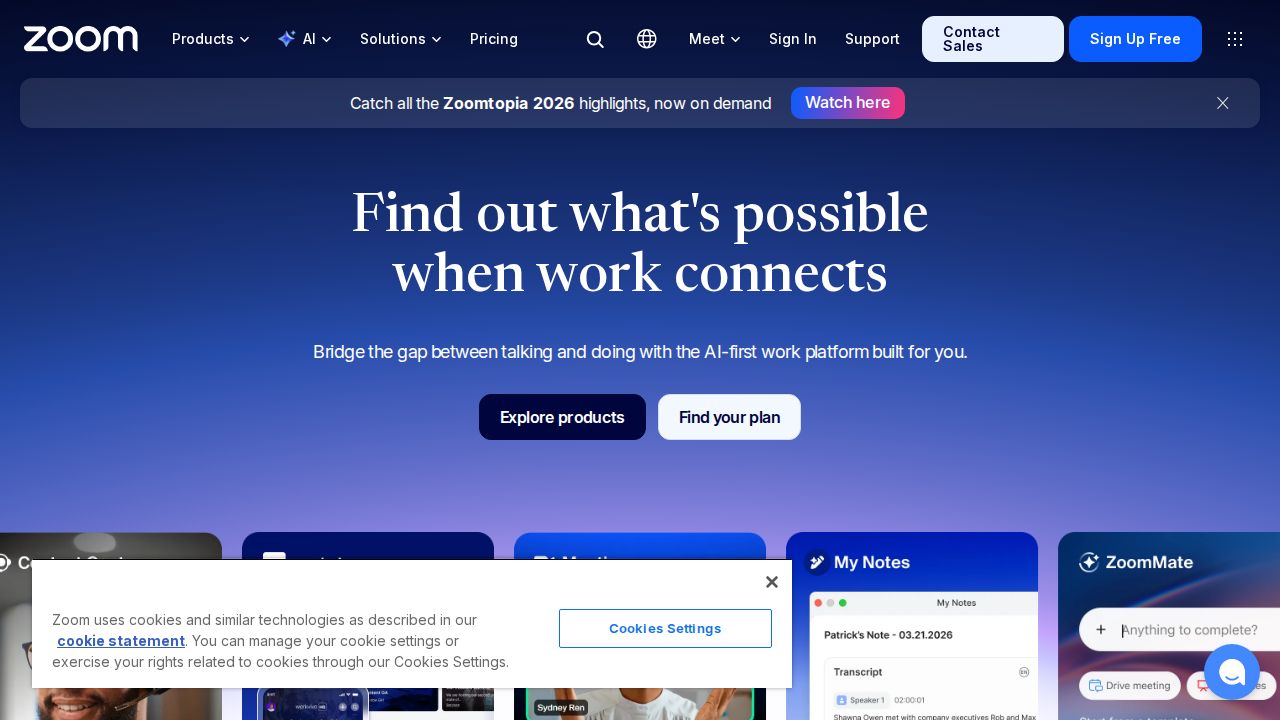
Best for meetings most guests already know Zoom remains the name most guests recognize. The free Basic plan allows meetings of up to 40 minutes with up to 100 participants and includes team chat and three editable whiteboards. Pro raises the limit to 30 hours per meeting and adds 10 GB of cloud storage per user.
What stands out
- Free Basic plan with 40-minute meetings and up to 100 participants
- Basic includes Team Chat, 3 editable whiteboards and 1 personal booking page
- Pro allows 30-hour meetings and adds 10 GB of cloud storage per user
- Business raises the cap to 300 participants
Keep in mind
- Free meetings end at 40 minutes
- Pro is $14.16 per user a month billed annually, or $16.99 billed monthly
- Pro still caps meetings at 100 participants
 Microsoft Teams
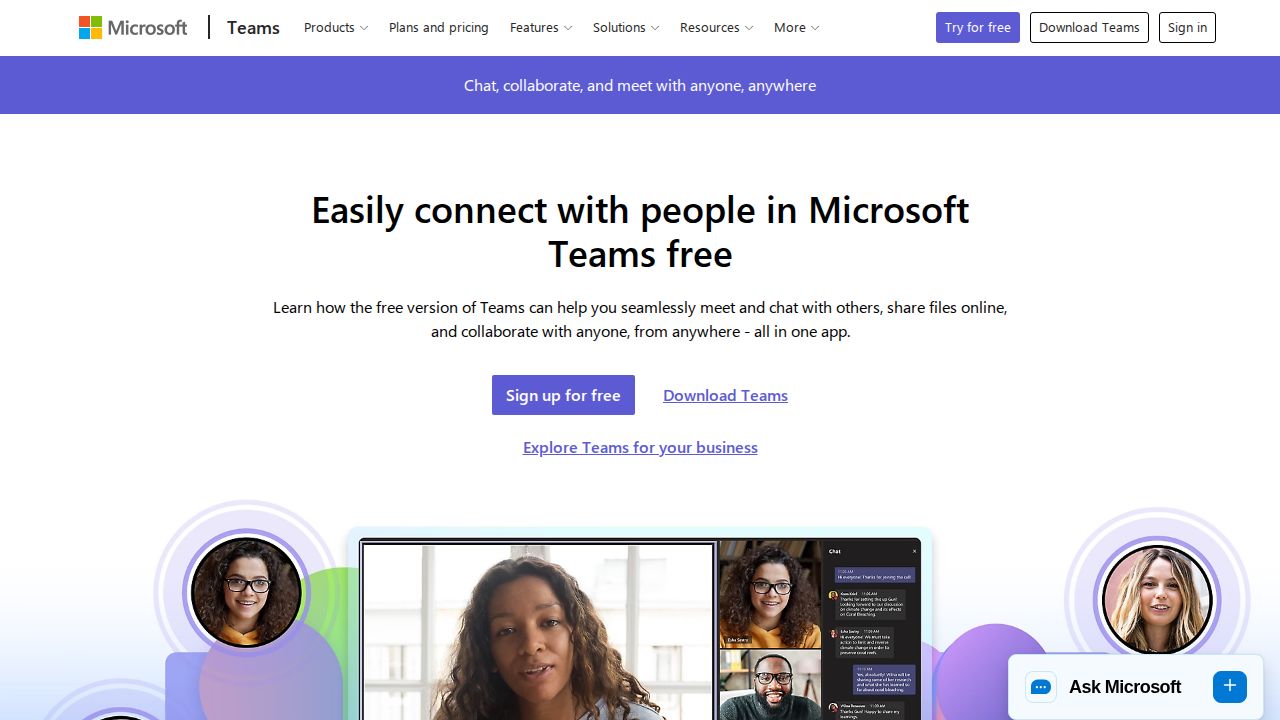
Best for the lowest cost paid upgrade Microsoft Teams matches Google Meet on free limits, with group meetings up to 60 minutes and 100 participants, plus 5 GB of cloud storage per user. Teams Essentials is the cheapest paid plan on this list at $4.00 per user a month, billed yearly, with 30-hour meetings for up to 300 people.
What stands out
- Free group meetings up to 60 minutes with up to 100 participants
- Free 1:1 calls up to 30 hours between Teams users
- Teams Essentials allows 30-hour meetings with up to 300 participants
- Essentials includes 10 GB of storage per user
Keep in mind
- Teams Essentials is billed yearly
- When an organization upgrades, all users must move to the paid version
- Essentials transcripts and live captions are English only
 Webex
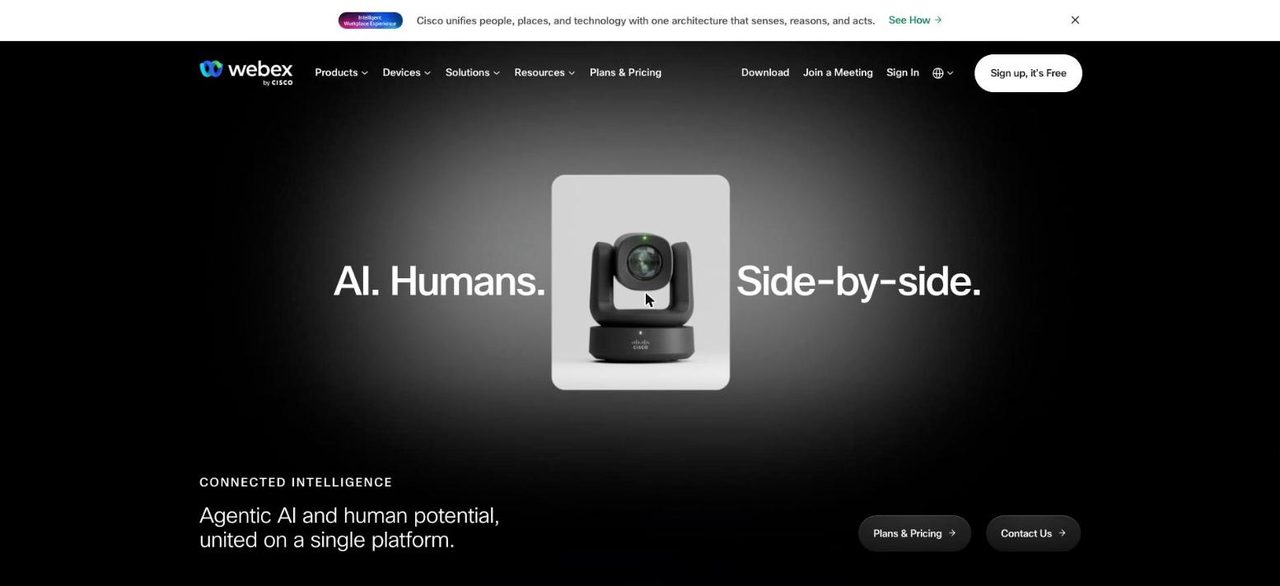
Best for a free plan with extra meeting tools Webex has a free plan with 40-minute meetings for up to 100 attendees. It is generous on features, listing unlimited whiteboards, screen sharing with annotation, local recording and noise cancellation. The only paid meetings plan on its US pricing page is Enterprise, which requires contacting sales.
What stands out
- Free plan with 40-minute meetings and up to 100 attendees
- Free plan includes screen sharing with annotation and local recording
- Unlimited meetings, whiteboards and messaging on the free plan
- Enterprise supports up to 1,000 attendees
Keep in mind
- Free meetings end at 40 minutes
- The paid Enterprise price is not published; you have to contact sales
 Whereby
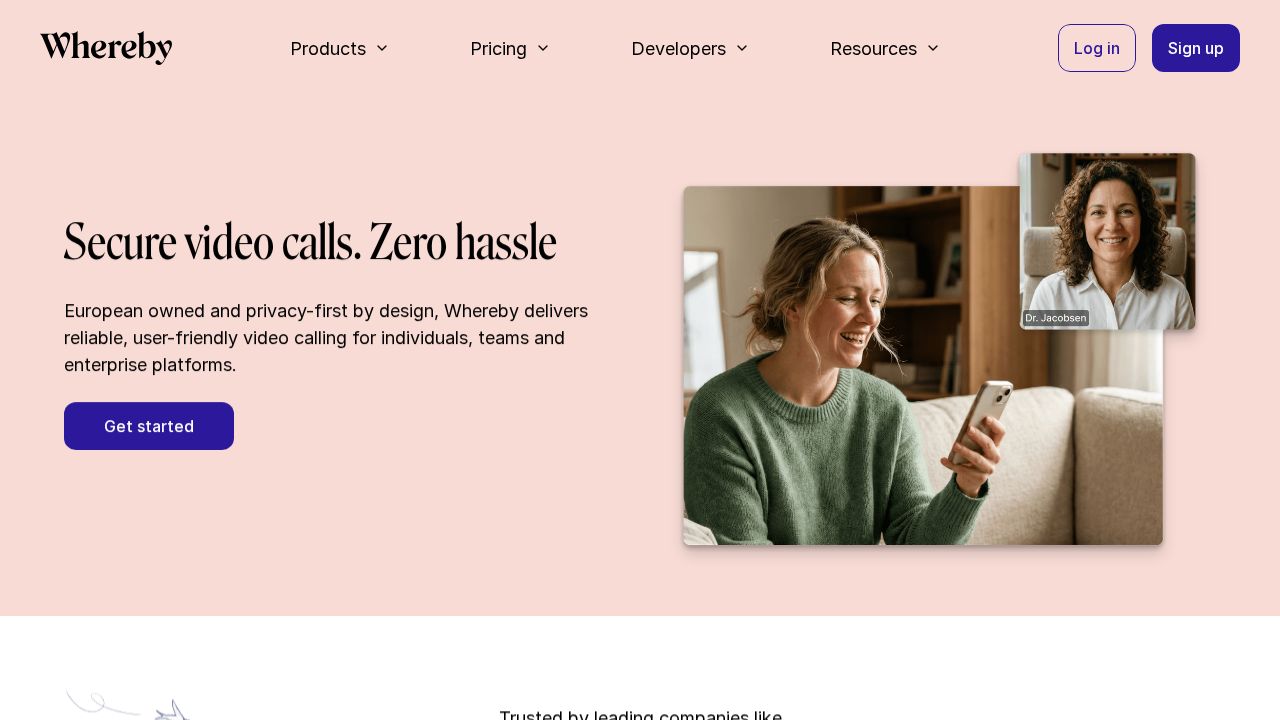
Best for small calls with a permanent room link Whereby is built around permanent room links that guests open in a browser. The free plan is tight, with one room, up to 4 attendees and 30-minute meetings. Pro costs $10.99 a month for one host and lifts the limits to 100 attendees with no time cap, plus custom branding.
What stands out
- Free plan with 1 room URL
- Pro has no meeting time limit and up to 100 attendees
- Pro includes 3 room URLs, custom branding and unlimited recording
- Business allows 200 attendees and unlimited room URLs
Keep in mind
- Free plan is limited to 4 attendees and 30 minutes per meeting
- Business is $13.99 per host a month with a minimum of 3 hosts
- Prices exclude VAT
 Jitsi Meet
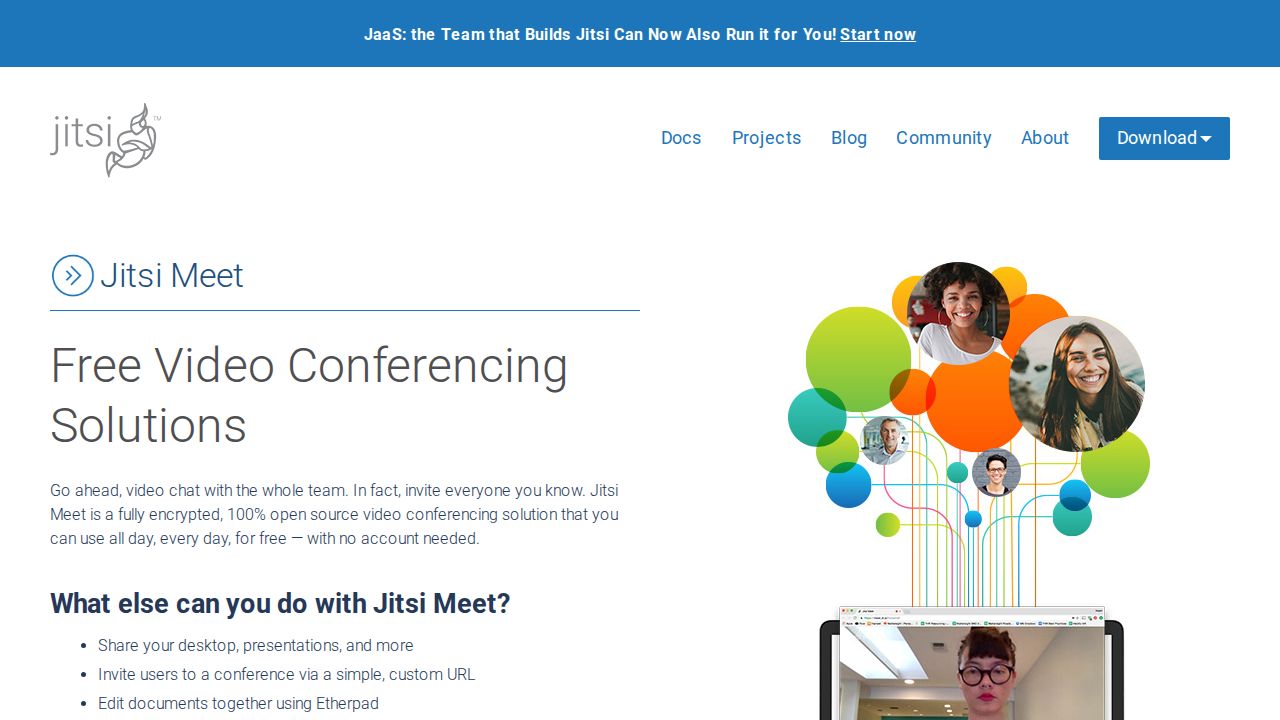
Best for free meetings with no account Jitsi Meet is an open source video conferencing tool that is free to use and states that you never need an account. It includes screen sharing, custom meeting URLs, shared document editing and chat, with encryption on by default. Its product page does not publish time or participant limits.
What stands out
- Free and 100% open source
- No account needed
- Screen sharing, custom meeting URLs and integrated chat
- Encryption is on by default
Keep in mind
- Participant and time limits are not published on the product page
- A separate hosted service is promoted on the page without pricing details
How we chose
We compared each company’s published plans on four things:
- Free meeting length. How long a free group meeting can run.
- Free participant cap. How many people can join on the free plan.
- Cost to remove the limits. The lowest paid plan per user.
- Ease for guests. Whether people can join from a browser or need an account.
This list is based on published plans and pricing, not lab testing. Where a company does not publish a price, we write “See site” instead of guessing.
Free plan limits at a glance
These are the limits each company publishes for group meetings on its free plan:
- Google Meet: 60 minutes, up to 100 invitees
- Microsoft Teams: 60 minutes, up to 100 participants
- Zoom: 40 minutes, up to 100 participants
- Webex: 40 minutes, up to 100 attendees
- Whereby: 30 minutes, up to 4 attendees
- Jitsi Meet: no limits published on its product page
Limits change, so confirm on the company’s site before an important call.
Free or paid: which do you need?
A free plan is enough for short catch-ups, family calls and one-to-one meetings. Pay for a plan when you need:
- Group meetings longer than 40 to 60 minutes
- Cloud recording or transcripts
- More than 100 people on a call
- Admin controls for a team
Tips for smoother meetings
- Send the link ahead of time and say whether guests need an app or an account.
- Join two minutes early to check your microphone and camera.
- If you are on a free plan, set the agenda to fit the time limit.
- Mute when you are not speaking in larger groups.
- Agree in advance who takes notes, since recording often needs a paid plan.
Frequently asked questions
Which free video conferencing app has the longest meetings?
Among apps that publish a limit, Google Meet and Microsoft Teams allow free group meetings of up to 60 minutes. Zoom and Webex publish 40 minutes and Whereby 30 minutes.
How many people can join a free video meeting?
Zoom, Google Meet, Microsoft Teams and Webex each publish a cap of 100 on their free plans. Whereby's free plan allows 4 attendees.
Is there a time limit on one-to-one calls?
Google says there is no time limit for 1:1 and mobile calls on Meet. Microsoft lists free 1:1 calls of up to 30 hours between Teams users.
What is the cheapest way to remove the time limit?
Microsoft Teams Essentials is $4.00 per user a month, billed yearly, for meetings up to 30 hours. Google Workspace Business Starter is $4.90 per user a month on a discount that runs through Feb 9, 2027, then $7.00.
Can I hold a video meeting with no sign-up?
Jitsi Meet states that no account is needed to start or join a meeting.
Sources
How we wrote this
This list is based on each company's published plans, prices and feature pages, not on hands-on lab testing. Facts were last checked on November 17, 2026. See our editorial policy.