No company paid to be on this list. Prices were checked on November 17, 2026 and can change. How we make money.
At a glance
| # | Product | Best for | Starting price | Free option |
|---|---|---|---|---|
| 1 | Free, watermark-free editing on Windows | Free | Free plan | |
| 2 | Mac, iPhone and iPad owners | Free | Free | |
| 3 | A free editor with room to grow | Free | Free version | |
| 4 | Short social videos with templates | $19.99/mo | Free plan | |
| 5 | Simple editing with lots of effects | $59.99/yr | Free version (watermark) | |
| 6 | Guided, step-by-step editing | $99.99 | 7-day trial |
The list
 Clipchamp
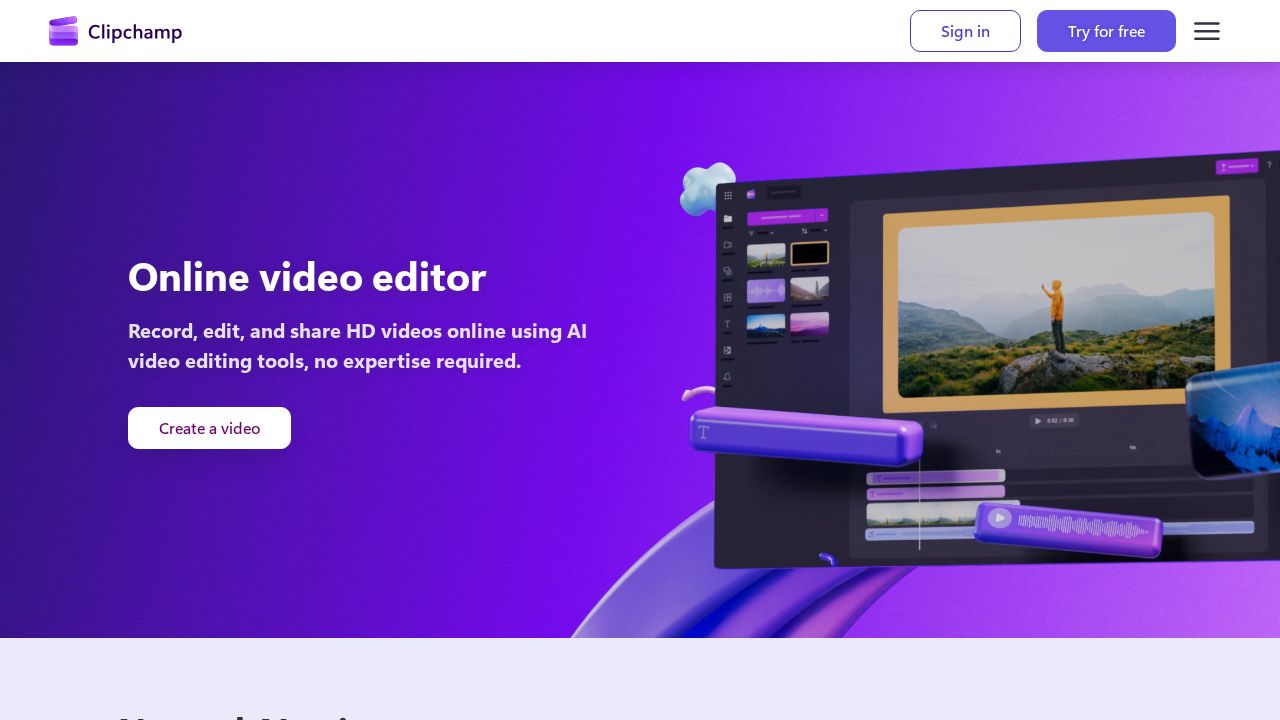
Best for free, watermark-free editing on Windows Clipchamp is Microsoft's browser-friendly editor and a simple place to start. The free plan exports up to 1080p without a watermark and includes AI subtitles, voiceovers and silence removal. Premium, which comes with Microsoft 365 Personal and Family, adds 4K exports and premium stock.
What stands out
- Free exports up to 1080p with no watermark
- AI subtitles, voiceovers and silence removal on the free plan
- Free stock assets and filters
- Premium is included with Microsoft 365 Personal and Family
Keep in mind
- 4K exports and premium stock need Microsoft 365
- The brand kit tool is not on the free plan
 iMovie
Best for mac, iPhone and iPad owners iMovie is Apple's free editor for Mac, iPhone and iPad, so it is the natural first step for Apple users. It covers creating and fine-tuning movies, adding video and sound effects and sharing the result. Apple also documents storing your library on an external drive.
What stands out
- Free on Apple devices
- Works on Mac, iPhone and iPad
- Adds video and sound effects
- Apple support pages cover common tasks
Keep in mind
- Apple devices only
- No Windows or Android version
 DaVinci Resolve
Best for a free editor with room to grow DaVinci Resolve is a professional editor with a free version that goes far beyond basics. Its Cut page is built for fast edits, and it includes color grading and audio tools. The free version handles most 8-bit formats at up to 60fps in Ultra HD. Studio adds AI and higher-end features.
What stands out
- Free version works up to Ultra HD 3840 x 2160 at 60fps
- Runs on Mac, Windows and Linux
- Cut page with smart editing tools and multicam editing
- Studio is a one-time purchase, listed at $236 on sale
Keep in mind
- Built for professionals, so there is more to learn
- Studio sale price of $236 is down from $295 and may change
- Text-based editing and AI noise reduction need Studio
 CapCut
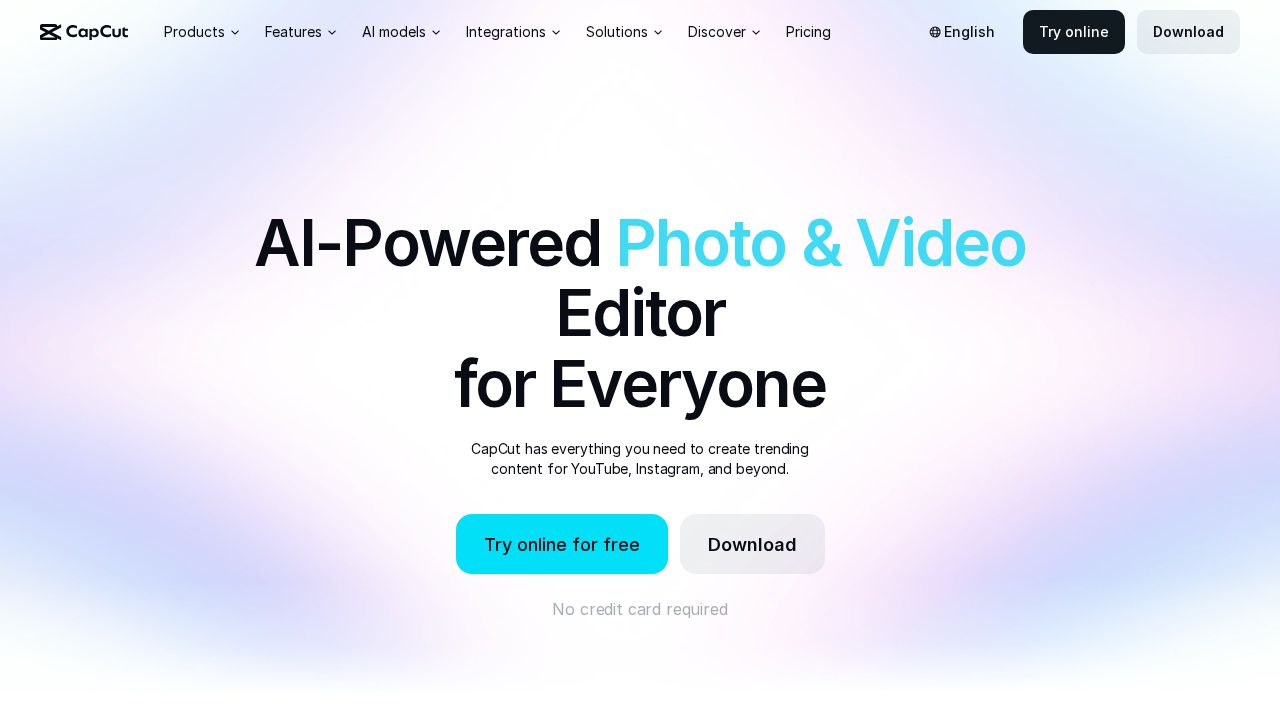
Best for short social videos with templates CapCut is popular for short social clips. It runs on desktop, mobile and in a browser, and the free plan includes templates and basic editing tools. Auto captions can be translated and styled. Pro at $19.99 a month adds monthly AI credits, premium templates and 1 TB of storage.
What stands out
- Free to start with no credit card required
- Desktop, mobile and browser versions
- Auto captions you can translate and style
- Pro includes a 7-day free trial in some regions
Keep in mind
- Free plan limits are not spelled out on the pricing page
- Pro is priced monthly; annual prices were not listed
 Filmora
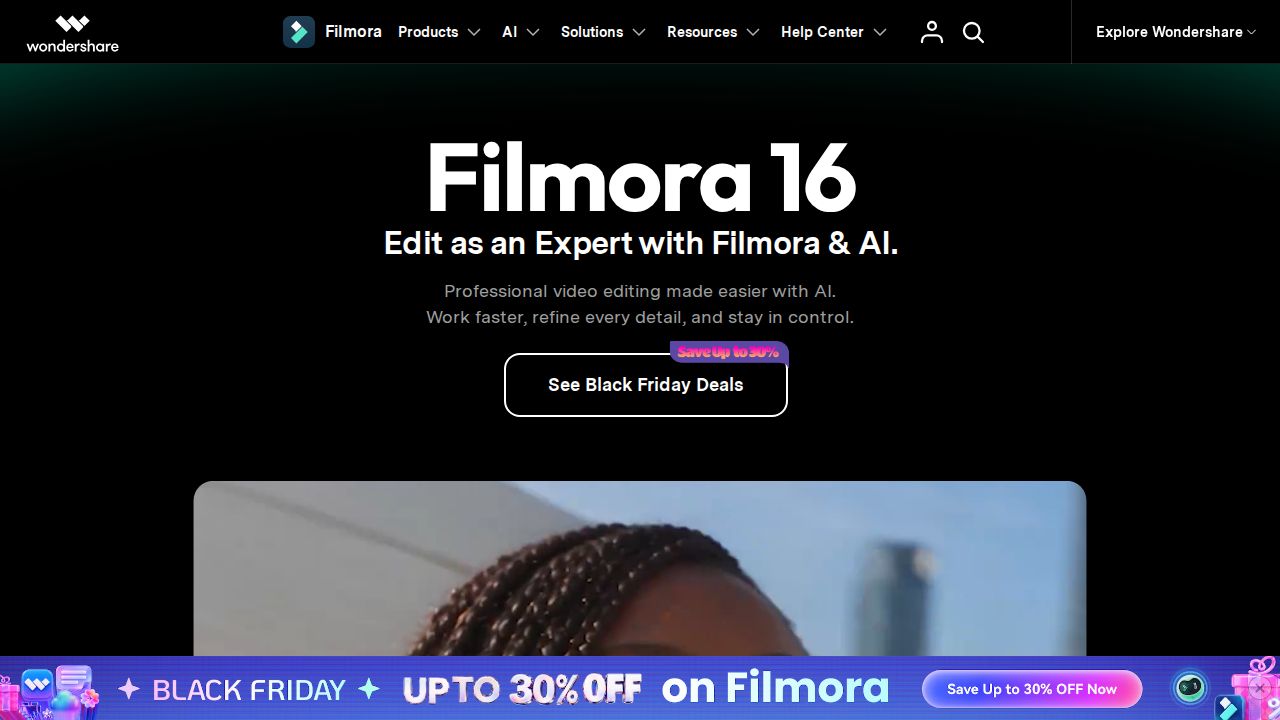
Best for simple editing with lots of effects Filmora aims at beginners who want effects and templates without a steep learning curve. Paid plans include 2.9 million+ creative assets, 4K export without a watermark and 100+ editing features. The Advanced annual plan works on both Windows and Mac and adds 1,000 AI credits a month.
What stands out
- Advanced plan works on both Windows and Mac
- 2.9M+ creative assets and 4K export on paid plans
- Perpetual one-time license also offered
- 30-day money-back guarantee
Keep in mind
- Free version adds a watermark to exports
- $59.99 is a sale price, down from $69.99
- Basic plan price was not shown on the page we checked
 Adobe Premiere Elements
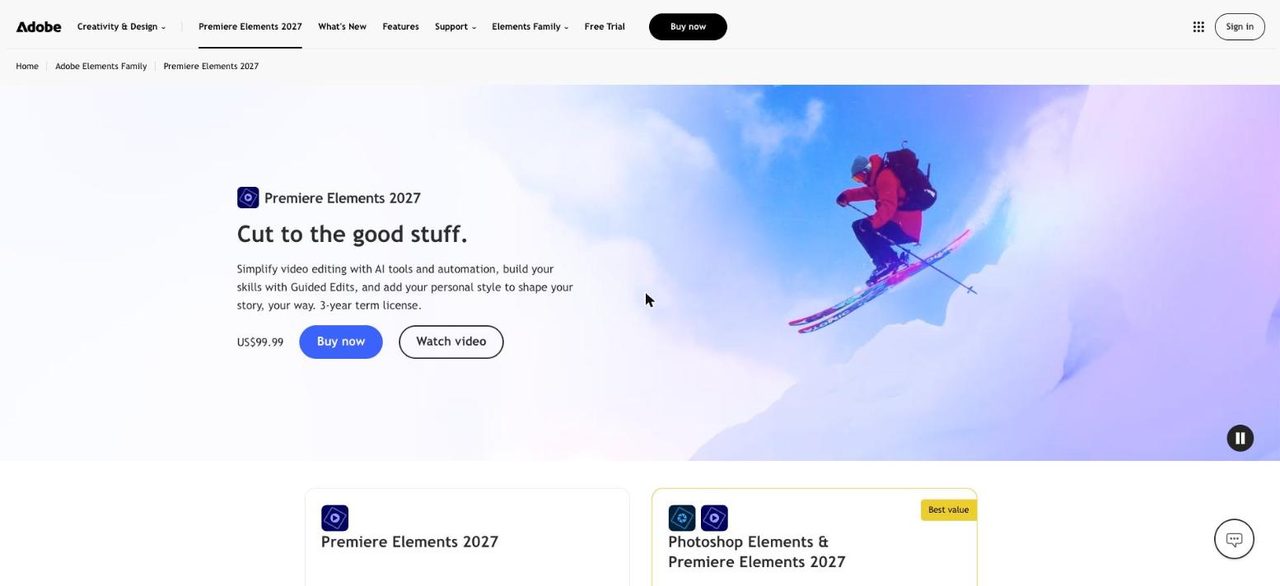
Best for guided, step-by-step editing Premiere Elements is Adobe's beginner editor. Quick, Guided and Advanced modes let you pick how much control you want, and Guided Edits walk you through projects step by step. It is sold for a one-time $99.99, but the license runs for 3 years and then the app stops opening.
What stands out
- Guided Edits walk through projects step by step
- Quick, Guided and Advanced editing modes
- Automatic fixes for grainy footage and shadows
- Full-featured 7-day free trial
Keep in mind
- License expires 3 years after redemption
- No free version after the trial
How we chose
We compared each editor’s published features and prices on these points:
- Ease of use. Templates, guided modes and simple timelines.
- Free version limits. Export resolution and watermarks.
- Cost of upgrading. Subscription, one-time or license term.
- Platforms. Windows, Mac, mobile and browser support.
This list is based on published plans and pricing, not lab testing. Where a company did not show a price on the day we checked, we say “See site” instead of guessing.
Free or paid: which do you need?
A free editor is plenty for trimming clips, adding music and titles, and posting to social media. Clipchamp, iMovie, CapCut and DaVinci Resolve all handle that at no cost.
Think about paying when you need:
- 4K exports
- Exports without a watermark
- Large libraries of stock music, effects and templates
- AI tools such as text-based editing or noise reduction
Tips for your first edit
- Put all your clips, music and images in one folder before you start.
- Cut the dead air at the start and end of each clip first.
- Keep transitions simple; a plain cut works most of the time.
- Add captions, since many people watch without sound.
- Export a short test to check quality before the full render.
Frequently asked questions
What is the easiest free video editor for beginners?
Clipchamp on Windows and iMovie on Apple devices are both free and simple to start with. Clipchamp's free plan exports up to 1080p with no watermark.
Is DaVinci Resolve really free?
Yes. The free version works with most 8-bit formats at up to 60fps in Ultra HD. The paid Studio version adds 10-bit video, AI tools and more effects.
Which beginner editors add a watermark?
Filmora's free version adds a watermark to exported videos. Clipchamp's free plan does not.
Can I buy a video editor once instead of subscribing?
Yes. DaVinci Resolve Studio and Premiere Elements are one-time purchases, and Filmora offers a perpetual license. Premiere Elements' license expires after 3 years.
Which editor is best for TikTok or Reels videos?
CapCut is built around short social clips, with templates and auto captions on desktop, mobile and the web.
Sources
How we wrote this
This list is based on each company's published plans, prices and feature pages, not on hands-on lab testing. Facts were last checked on November 17, 2026. See our editorial policy.